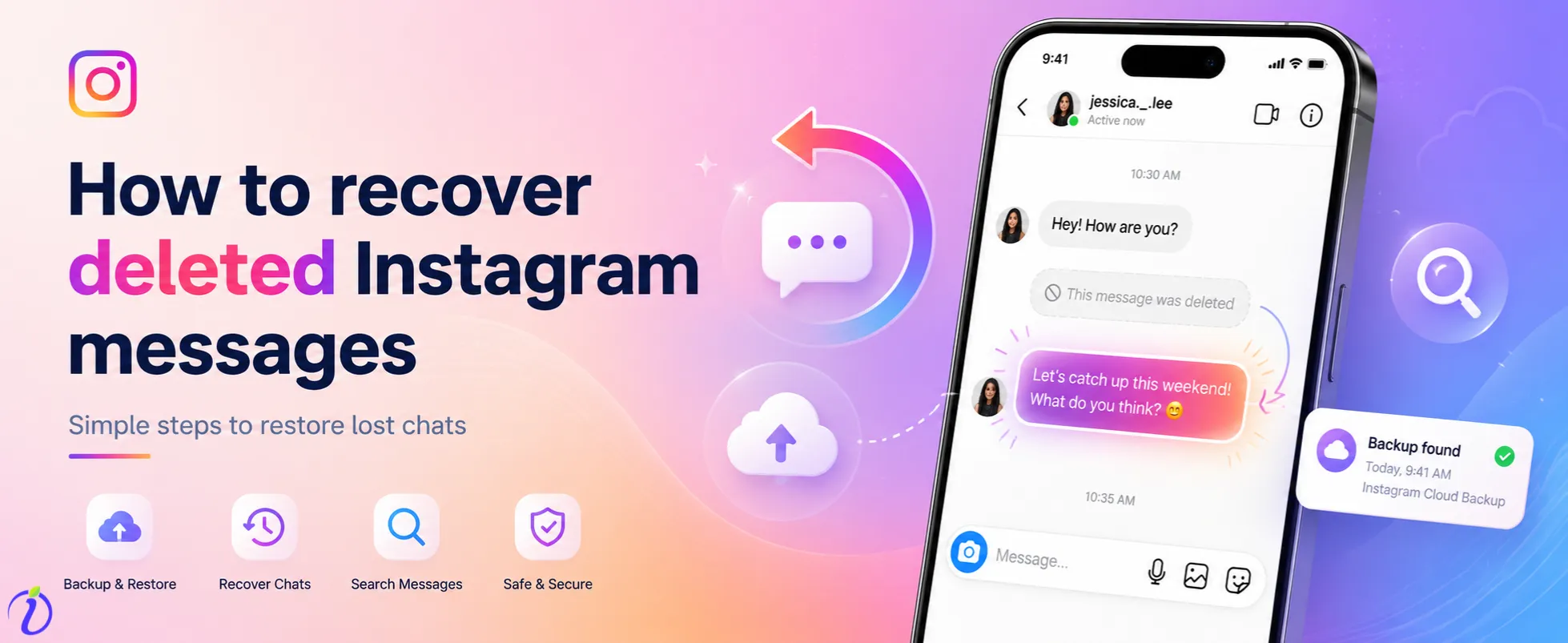
Are you wondering how to recover deleted Instagram messages? Because it’s frustrating to lose something so important, whether it is a business conversation, personal memory or valuable information. If you want to recover them, there are certain ways you can do it; even as per the data recovery experts’ reports, metadata can successfully restore 50-55% of disappeared chat history. But it depends on how those Instagram messages disappear.
In this guide, we will learn some simple and effective ways to recover deleted Instagram messages and understand the limitations you will face while in the process. And discover some essential tips to prevent message loss in the near future.
 Time killer · Pain
Spending 6 hours writing posts that get zero traction?
Paste your URL. ZuAI turns it into 30 brand-on captions in 10 minutes — no blank-page panic, no generic AI filler.
Can deleted Instagram Messages be recovered?
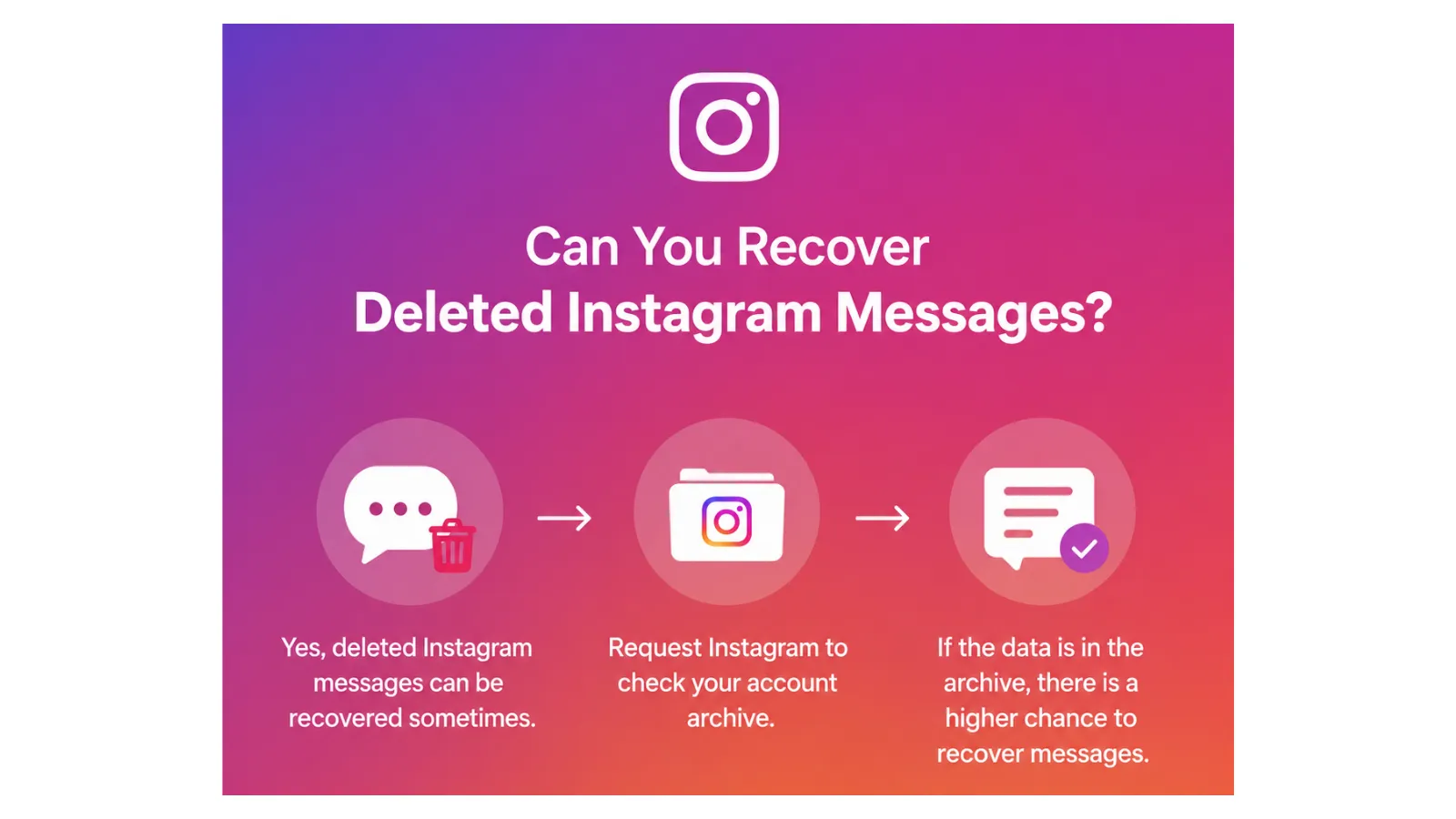
Yes, deleted Instagram messages can be recovered sometimes, but it generally depends on how the messages were deleted. You can send a request to Instagram to check if your previously deleted messages are still stored in the account archive. If you could find the data in the archive section, then there is a higher probability of recovering Instagram deleted messages.
Outcome · RecommendedGet 30 days of social content from your website — in 10 minutes.
Things to check before recovering deleted Instagram messages
- You are logged in to the correct Instagram account.
- And your Instagram is updated to the latest version.
- Make sure your internet connection is stable.
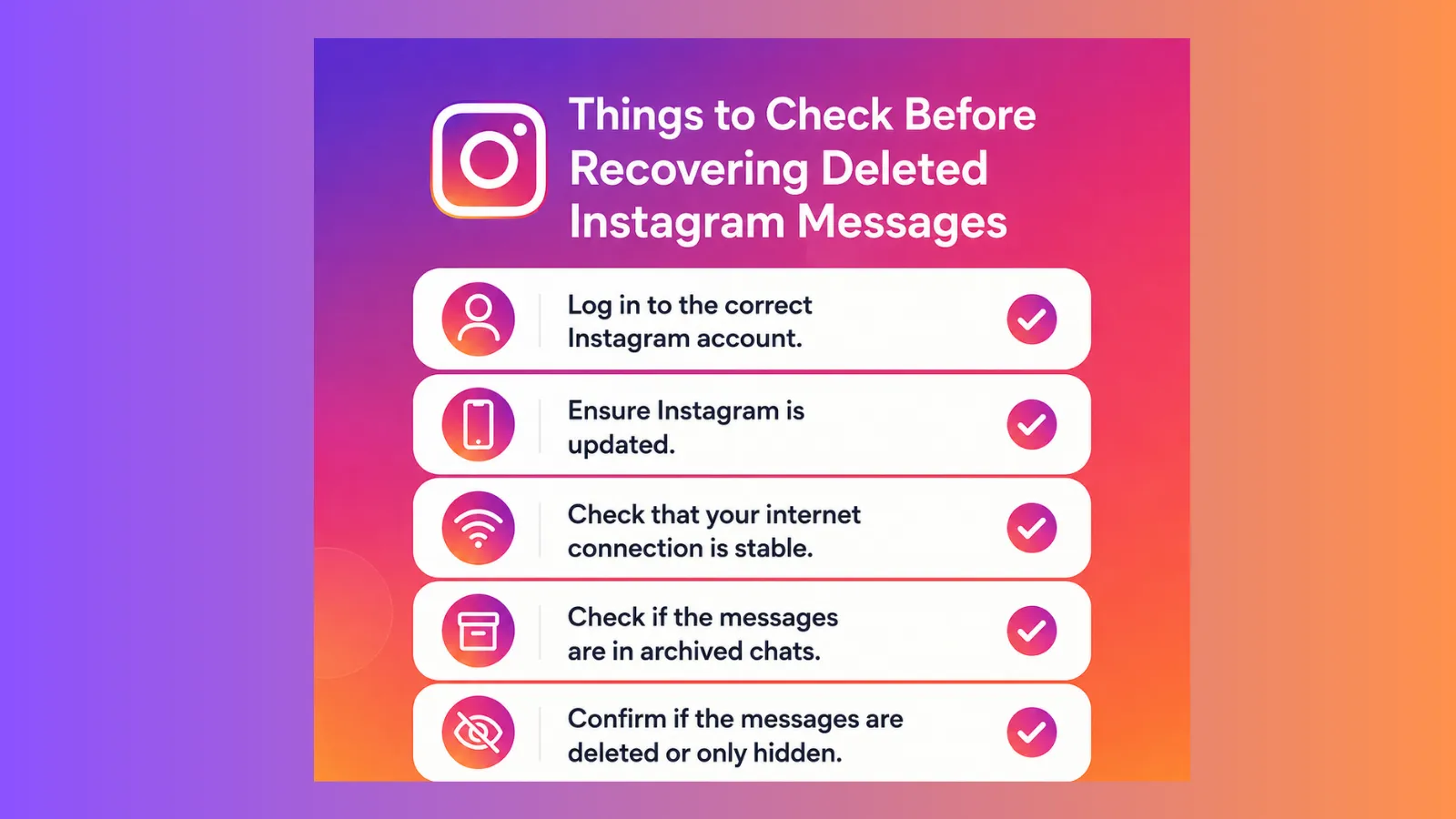
- Also ensure that the message is saved in your archive chat.
- Confirm that if the message is already deleted or only hidden.
- You have not used any unauthorized third-party recovery tools.
Proof · Verified
2k+ grew faster with one tool.
Difference between Deleted, Archived and Unsent Messages
Deleted messages:
When one person deletes a chat from their inbox, the other person still may have it. In some cases, it has been shown that deleted chats may still come into visibility in Instagram download data for a limited time.
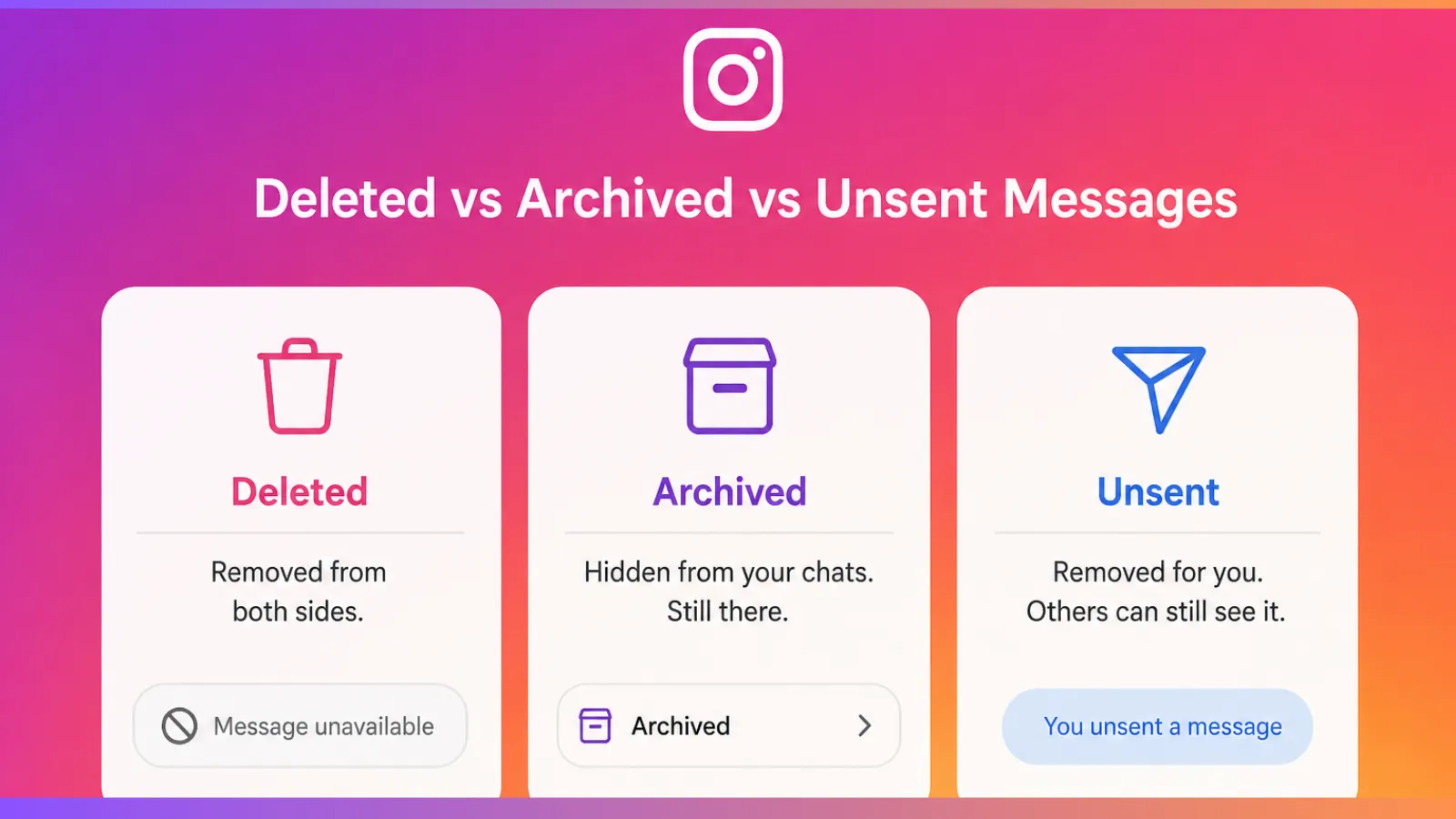
Archived messages:
Although Instagram doesn’t provide any direct archive section for DMs, some users get confused with older messages or hidden messages as archives. You can still find this chat by searching for it with their username.
Unsent messages: An unsent message generally gets removed from both parties’ conversation section. If a message is unsent, you can’t normally view it in the chat section.
Free · Instant · No signupSee what ZuAI generates from your website — right now.
Paste your URL. Watch ZuAI write a month of brand-on captions in seconds. Preview before you create an account.
How to recover deleted Instagram messages (Step-by-step guide)
Method -1: Recover Messages by downloading Instagram data
- Open the Instagram App.
- Go to profile > then settings.
- Tap your activity.
- From there, select ” Download your Information”.
- Enter your email address ( related to your Instagram account) address.
- Request the data download.
- Wait for Instagram’s mail.
- Instagram will provide you with a download link to your email.
- From there, download the ZIP file and open the messages folder
Method-2: Recover messages using a Facebook Connected Account
If your Instagram account is linked to your Facebook account, then there is a chance your Instagram conversations may appear in Facebook Messenger.
- First, open Messenger.
- Log in to the linked Facebook account with the Instagram account.
- Search for the deleted Instagram conversation.
- Checks for any synced chats and message requests.
Method 3: Ask the other person
Even though the messages got deleted from your account, there is a great chance that they are still available on the person’s device. You may directly ask them to
- Share a screenshot with you.
- Or forward previously sent messages.
- Or you may export the conversation if needed.
Method 4: Check device backups
Sometimes you may be able to back up messages from the store app data. Some Android and iPhone stores’ app data.
For Android
- You may check on the Google Drive backups.
- And then restore the data carefully if this contains your deleted Instagram data.
For iPhone
- Check iCloud backups.
- Restore the backups if the deleted data is available here.
Speed · 10-minute setupOne coffee from URL to a full month of scheduled posts.
Drop your URL, brew your coffee, come back to 30 brand-on captions ready to publish.
Tips to Avoid losing Instagram messages
To avoid losing Instagram messages, you can activate some previous backup plans
- First, turn on Instagram chat backups and synchronise them with your valid email and phone number.
- Restrain from unnecessary message deletion. Or you may archive important chat and data and export them also.
- Keep your Instagram always updated to avoid message-related issues.
- Use a strong password for protection and enable two-factor authentication to protect your account from external disturbances like hacking or data-related issues.
- Try to avoid unsafe third-party apps, as they can directly delete or corrupt your messages.
Blank tab. Six open browsers. No clue what to post.


 After · With Indzu
Paste one URL. Get 30 scheduled posts.
How long Instagram stores deleted Messages
Instagram doesn’t exactly explain how long it stores deleted messages. In many cases, deleted data is temporarily stored in your account data for a short period of time if you deleted the messages recently. But if the messages are deleted permanently and completely removed from the Instagram data store, the chance of recovering those messages is very low.
Time killer · Pain
Spending 6 hours writing posts that get zero traction?
Paste your URL. ZuAI turns it into 30 brand-on captions in 10 minutes — no blank-page panic, no generic AI filler.
Common Problems and Fixes
1. Instagram messages are permanently deleted
Problem: If you are having issues, like your Instagram chat got deleted on both sides, and you cannot find a way to recover it.
Fixes: Then you may request help.instagram.com to download data or check if the deleted chat is somewhere in the archive.
2. The Instagram Data download is not working.
Problem: If the data downloading link does not appear in your email.
Fixes: Then, for fixing the issue, check your spam folders, recheck your email address if it hasn’t arrived, and then check after a few hours.
3. Messages not syncing across devices’
Problem: If the chat appears on one device but not on the other.
Fixes: The primary step you could do is to make sure you have a stable internet connection. Update the Instagram app, log out and log in.
4. Account hacked or lost.
Problem: Sometimes, if you are unable to access the message section, the reason could be that your account has been hacked.
Fixes: To fix the issue, you may go to the account recovery option and reset your password instantly.
5. Accidentally Archived or Hidden data
Problem: Sometimes it seems like a message got deleted, but it only stays hidden.
Fixes: To fix this issue, search for the username in the Instagram DMs section and check for archive chats.
6. Third-party recovery apps are not working.
Problem: Sometimes third-party tools can be misleading and ask for login details, and fail to recover chat details.
Fixes: For safety purposes, one should avoid untrusted third-party apps; they could harm your privacy. You may stick to only official recovery methods.
Outcome · RecommendedGet 30 days of social content from your website — in 10 minutes.
FAQ Section
Q1. How to recover deleted Instagram messages?
Answer: You can see deleted Instagram messages by requesting Instagram to download your account data from Instagram.com. To download data from Instagram, first go to settings> then activity > Download your information. You can delete your deleted data there, or you can ask the person in the conversation if they have the data to share a screenshot with you or export data from them.
Q2. Can deleted Instagram messages be discovered?
Answer: Yes, if you are determined to recover deleted Instagram messages, then you can restore them if they have existed in your Instagram data, phone notifications, backups or from the other person’s chat history. However, if the message is permanently deleted from both parties and removed from Instagram’s server, then the chance of recovering deleted messages is very low.
Q3. How long does Instagram keep deleted messages?
Answer: Instagram doesn’t directly mention any specific time period to keep deleted messages or till when they will be stored on its servers. Generally, when you delete a message from your chat box, it gets removed immediately, but backups may be available for security or technical reasons.
Q4. Can I view deleted messages without a backup?
Answer: Yes, sometimes it’s possible to view Instagram deleted messages without a backup. You can try downloading Instagram data, checking connected Facebook accounts and asking the other recipients to send screenshots. If you are determined to view the deleted message without any backup, then asking the other recipient to send the screenshot is an easier and simpler way.