

Are you curious about the exact YouTube video upload time? On average, over 20 million pieces of content are uploaded to YouTube.Primarily, YouTube provides data on when the video was published, and most creators focus on content quality, thumbnails, and SEO. Still, they often don’t notice when they hit the upload (+) button. The reality is that uploading content at the exact time can provide an initial boost and signal to the algorithm that it should promote it to a wider audience.
In this blog, we will break down the steps to find the exact YouTube video upload time and explain how this analysis will help you strengthen your YouTube presence.
 Time killer · Pain
Spending 6 hours writing posts that get zero traction?
Paste your URL. ZuAI turns it into 30 brand-on captions in 10 minutes — no blank-page panic, no generic AI filler.
Why does the exact YouTube video upload time matter?
- Helps to understand algorithm performance
YouTube algorithms take a content’s early performance into account. Exact upload times help creators track how quickly views increase and when engagement rates rise. This helps a creator understand how the algorithm responds to timing.
- Helps to find the best posting time
If a creator knows when a viral video was uploaded, they can definitely target the time slot for uploading the next piece of content. And it may help you recognise the best time to post or when your viewers are most active. In this process, you may optimize your future posting schedule.
- Competitor analysis
To grow on YouTube, you should analyse when successful creators upload their content. Identify your competitors’ patterns, or use this exact time slot information to avoid crowded times.
- Understand the audience’s time zone.
Exact time helps you to upload your content according to your audience’s time zone. Avoiding late-night posts is a better choice, as it will help you better understand your global audience.
Outcome · RecommendedGet 30 days of social content from your website — in 10 minutes.
Can you see the exact YouTube video upload time ?
Yes, you can find the exact upload time on YouTube, but not in the normal interface. Usually, YouTube uses Pacific Standard Time (PST/PDT) for recording and uploading videos. To convert this to your local time, you may use the following methods.

Proof · Verified
2k+ grew faster with one tool.
How to find the exact YouTube video upload time ?
- Using page sources
- Open the YouTube video in a browser
- Right-click on the page
- Click on the “View Page Sources”
- Press Ctrl+F
- Now, search for “datepublished”
- You’ll get:”datePublished”: “2024-04-05T13:321 OZ”
- YouTube provides the exact upload time in UTC (Coordinated Universal Time)
- You can ask Google to convert it, type 13:32 UTC to IST
- IST > UTC + 5:30 So, 13:32 + 5:30 (7:02 PM IST)
- Using Developer Tools
This is an effective alternative method, with few steps involved
- Open the video; the published time you want to know is there.
- Press F12
- Go to the network tab
- Reload page
- Look for JSON (JavaScript Object Notation) data
- Find “publishDate”
This process also reveals the exact time slot.
- Using Third-Party tools
There are plenty of online tools available that can easily extract hidden metadata. For example- ytlarge.com, commentpicker.com, etc.

How it works ?
- Copy and paste the video URL
- These tools directly display the upload details with the exact time.
- It is not recommended to use third-party apps excessively.
- Inspect Element
This method helps to reveal hidden data.
How it works ?
- Open the video, and right-click
- Press Ctrl+ F
- Search: “datePublished”
- You’ll get:”datePublished”: “2024-04-05T13:321 OZ”
- You have to convert the time using Google, following the previously mentioned step.
Best time to upload YouTube videos:
The best time to upload content is when your audience is mostly active. But there are proven timeframes for uploading your content. This time frame may vary according to your niche. You could post your video 2-3 hours early, before your viewers come online, which will surely give your content an initial boost.

Day | Upload time | Peak Viewing Time |
Monday | 2 PM-6 PM | 6 PM-9 PM |
Tuesday | 2 PM- 6 PM | 6 PM-9 PM |
Wednesday | 2 PM-6 PM | 6 PM-9 PM |
Thursday | 2 PM-6 PM | 6 PM-9 PM |
Friday | 2 PM-6 PM | 6 PM-9 PM |
Saturday | 9 AM- 12PM | 12 PM- 9 PM |
| Sunday | 9 AM- 12PM | 12 PM- 9 PM |
Free · Instant · No signupSee what ZuAI generates from your website — right now.
Paste your URL. Watch ZuAI write a month of brand-on captions in seconds. Preview before you create an account.
Why doesn’t YouTube display the exact upload time?
YouTube does not display the exact time because there are several practical and strategic reasons
- Simplicity for viewers
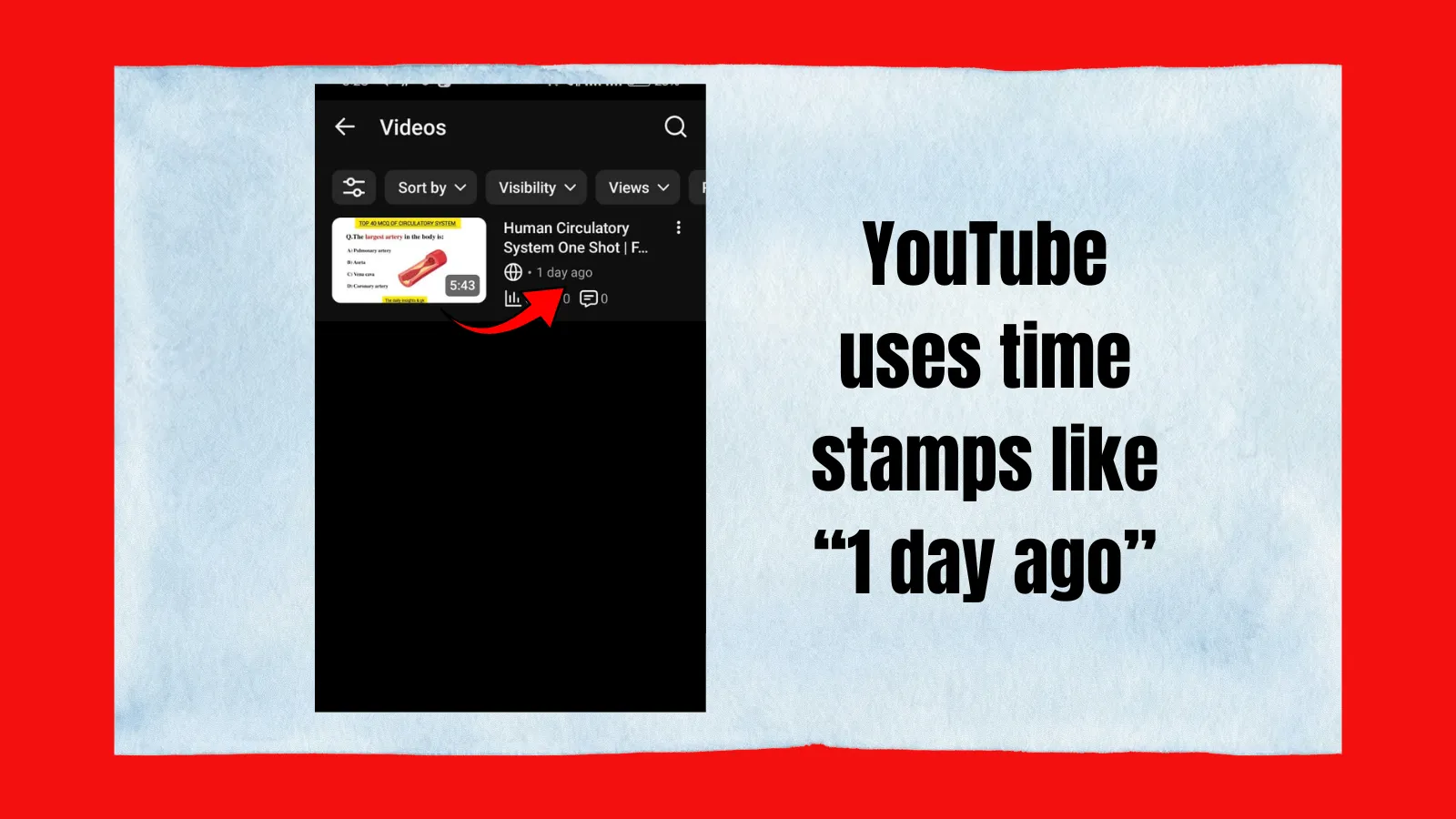
In most cases, viewers don’t need minute-level precision. They are happy with videos uploaded 2 hours or 1 day ago, because this is simpler and easier for viewers to understand than the exact time slot.
- Time zone confusion
Time zone confusion is one of the biggest reasons YouTube does not show the exact time. Since YouTube is a global platform, its viewers are worldwide. If YouTube shows an exact upload time (7:30 pm), it can confuse viewers because they will not know whether it is their local time, the creator’s time zone, or a standard time like UTC.
For example, if a creator in India uploads a video at 7:30 pm, it would appear at a completely different time to viewers in other countries.
- Prevents over-optimization
If YouTube shows the exact time slot, it will encourage creators to focus on minute-level timing rather than content quality. To avoid this situation, YouTube offers formats such as 1 hour ago or 1 second ago. It saves minute-level analysis. Rather, creators focus on the content quality. And this format is quite helpful for new creators; they feel less pressured and can focus fully on content quality.
- Reduce misinterpretation
Global audiences can easily misunderstand exact time slots; YouTube prevents this by not showing them. By showing 2 hours ago or 1 hour ago, YouTube provides a more understandable and globally accepted reference. This approach, which does not show the exact upload time, helps to reduce misunderstanding and ensure a consistent viewing experience for people across different countries and time zones.
Speed · 10-minute setupOne coffee from URL to a full month of scheduled posts.
Drop your URL, brew your coffee, come back to 30 brand-on captions ready to publish.
Reality vs Myth
YouTube upload time matters, but it is not the only criterion to grow on YouTube; there are several myths that there is one universal time, but the reality is your growth depends on the content quality, relevant content, title, seo, audience, location, niche and several factors.
Blank tab. Six open browsers. No clue what to post.


 After · With Indzu
Paste one URL. Get 30 scheduled posts.
Conclusion
YouTube chooses not to display the exact upload time to minimize the global timing issue, instead showing the relative time slot. YouTube provides a simpler, more user-friendly environment, while the exact time is still accessible via an advanced approach.
Time killer · Pain
Spending 6 hours writing posts that get zero traction?
Paste your URL. ZuAI turns it into 30 brand-on captions in 10 minutes — no blank-page panic, no generic AI filler.
FAQ section
Why does YouTube not provide the exact upload time of a YouTube video?
Answer: The main reason to hide the exact upload time of a YouTube video is to avoid time zone confusion. Other reasons include reducing misinterpretation and preventing creators from over-optimizing for upload time.
Does upload time affect video performance?
Answer: Yes, video upload time affects the initial performance of content. But content quality, audience retention rate, seo and titles are more important.
Is the exact upload time completely hidden?
Answer: No, the exact uploading time is not completely hidden. If you are interested, you can find it using various approaches, for example, Inspect Element, the YouTube API, or Third-party tools.
Why does YouTube show “2 hours ago” instead of the exact time?
Answer: Because this time frame reference works better with global audiences. And easier to understand.