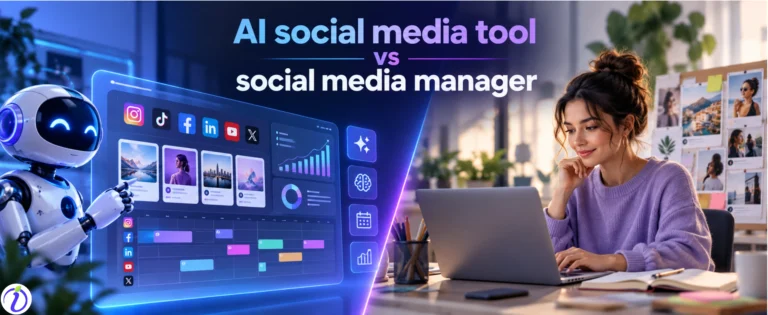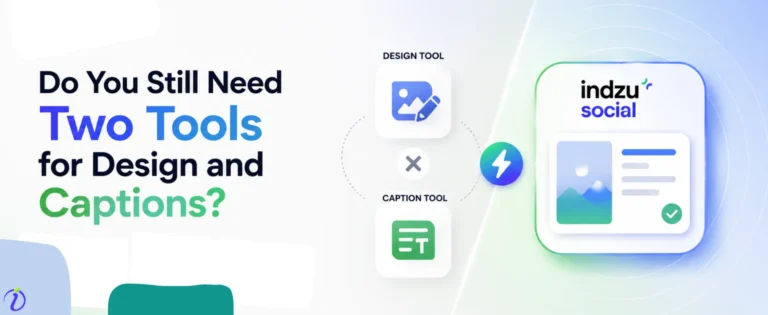
Creating content sounds like fun, but not in the long run. A social media manager has to manage multiple things, creating reels for Instagram, writing strong tweets for X, drafting articles for LinkedIn, creating ads, and more.
For this, they use 5 or more tools, go from one tab to another, use multiple windows, save files in different folders, and more. Does it not sound like juggling or struggling? And there is also the hidden cost of juggling 5 social media tools.
Also, just creating content is not the only thing. The manager needs to draft captions, hashtags, post at the best times, and the list is endless. But the good news is that AI assistance can be taken.
The sad part is that managers have AI tools like an AI content calendar, social media scheduling tools, AI caption writers, and more. They still have to open multiple tabs, different dashboards, and shift their minds in multiple zones to thrive.
But is this really needed? In 2026, with so many options (social media tool consolidation) available, do managers still need to juggle between 5 social media tools?
 Time killer · Pain
Spending 6 hours writing posts that get zero traction?
Paste your URL. ZuAI turns it into 30 brand-on captions in 10 minutes — no blank-page panic, no generic AI filler.
Tools that we can use to get perfect social media management
AI has developed itself into a powerful entity and is capable of being a great assistant.
Data (Salesforce) shows that almost 90 percent of marketers use AI for social media management in some form.
Here are some famous and popular tools that are used for social media and content creation.
No. | Social Media Element | AI Tool | Main Use |
1 | Caption writing | ChatGPT | Creates captions, hooks, CTAs, post ideas, scripts, and content variations |
2 | Social media design | Canva | Designs social posts, carousels, Stories, thumbnails, and ads |
3 | Short-form video editing | CapCut | Edits Reels, TikToks, and Shorts with captions, templates, and effects |
4 | Video repurposing | OpusClip | Converts long videos, podcasts, and webinars into short social clips |
5 | Hashtag research | RiteTag | Finds relevant hashtags and helps organize hashtag collections |
6 | Social listening and sentiment analysis | Brand24 | Tracks brand mentions, competitor conversations, and audience sentiment |
7 | For making profile pictures | Google Gemini | It can make professional-looking headshot images. Enhance any image given to it. |
Some of these are free; some of them are paid. These tools can lessen the burden of any content creator or social media manager.
But problems happen when you must update social media channels daily.
If you are managing 5 clients, you have 5 Facebook pages/profiles from which you have to post.
- Create content five times. (If you are using Canva or OpusClip for content creation, then you will have to save five projects, and each new topic should be named as a separate project)
- Give prompts to write five captions; open the AI caption tool five times.
- Similarly, do the same for HashTags, LinkedIn articles, and do research 5 times before creating content.
And we have considered only Facebook; if you are managing all social media channels for a single client, then imagine how much confusion and chaos can happen.
Let’s explore the hidden cost behind these struggles.
Outcome · RecommendedGet 30 days of social content from your website — in 10 minutes.
What is the cost of juggling between multiple tools?
The financial cost
Let’s calculate the financial cost one has to bear for managing social media.
Task | Tool | Starting Monthly Price (USD) |
Content writing & captions | ChatGPT Plus | $20 |
Social media design | Canva Pro | $15 |
Video editing | CapCut Pro | $20 |
Hashtag research | Flick | $18 |
Making a profile picture | Gemini | Free |
Social listening | Brand Social | $299 (for teams) |
Estimated Total | $372/month | |
Estimated Annual Cost | $4464/year |
The managerial cost.
The financial cost hurts, but the managerial cost hurts more.
The mental struggle, multitasking, state of confusion, and more are evident when you are juggling between apps, software, different windows, tabs, and social media channels.
Loss of time

Time is money, or more precious than money. Just to make one post on Instagram, do you have to go through 3 AI tools or apps?
And if you are managing 3 social media channels for a single brand, So if have to be on and off multiple times before producing a single output.
A creator can face
Time wastage in switching tools |
Slow teamwork and approvals. |
Fragmented analytics |
Repeating prompts and brand context |
It’s difficult to be creative every time.
Researching is a difficult thing. But a content creator does both research + content creation.
AI tools help, but the creator has to always change gears, change research from one brand to another, think from a business point of view, and be in charge of creating attention-grabbing creative posts every time.
Their shoulders are burdened every time. But still, they have to perform consistently, sometimes every day.
Errors can happen
Even when a manager or content creator is using AI, copy-paste errors, wrong hashtags, wrong captions, or wrong event errors can still happen.
AI is making the work easier, but a human still has to do a lot.
Productivity may be affected.
If AI tools are saving you 10 mins, juggling between multiple tools is again wasting your 2- 3 minutes, breaking your focus, and making you multitask.
This can affect your productivity in the long run.
Brand presence can look uneven.
When different tools are working separately, each tool does not necessarily understand the brand, tone, or visual asset.
The output of these tools can be uneven and might not provide a complete picture.
This can hamper the branding consistency.
Proof · Verified
2k+ grew faster with one tool.
How to get the benefits of all the AI social media tools without juggling?
Big businesses and brands always hire in-house staff for digital marketing, branding, designing, and more.
Because when everything is managed under one roof, the processes run smoothly, costs less on the pocket, and output always comes out even and consistent.
Juggling between freelancers or temporary employees can never be a good idea in the long run.
Similarly, using various AI social media tools for managing social media can be nothing but a temporary fix.
Therefore, social media tool consolidation options like Indzu Social are becoming popular now.
Indzu can
- Create your brand kit.
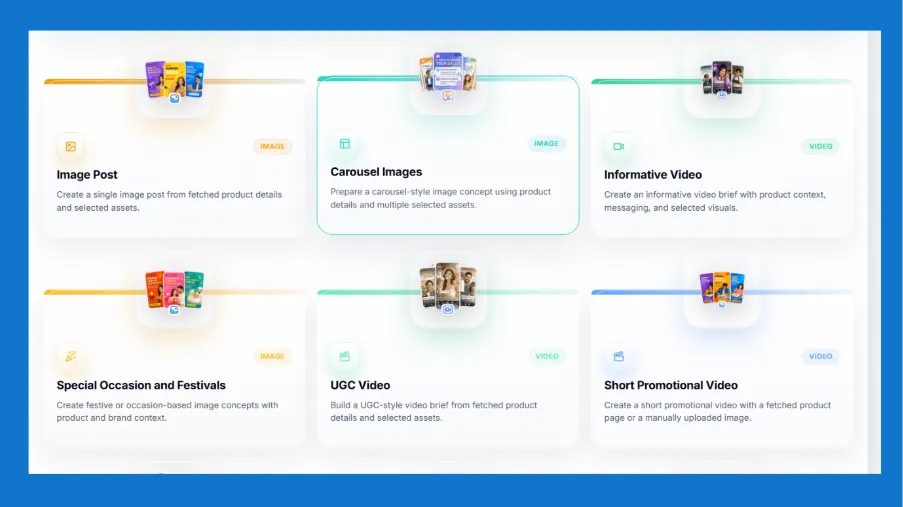
- Create content in various formats. ( meme, carousel, image posts, reels, short form video, Image for ads, etc)
- Post it or schedule it across all your social media channels.
- See the analytics.
- Manage all the DMs, comments or engagements.
Indzu is the complete content + social media management solution.
If you are a social media manager, then you can have one dashboard for one brand.
Under the dashboard, you will get all the AI social media tools like hashtag generator, caption generator, content creation tools, content editing tools, AI content calendar, social media scheduling tool, and more.
A dashboard will be created with the brand kit working in the background.
So, you will always feel the ease of working on a single window, which will save a significant amount of time.
ZU AI just takes 5 seconds to create personalized content for a business or brand. And you can create content in 9+ formats (posts, carousels, short videos, reels, ads, and more)
And if we compare the cost
Plans | Price |
Starter | $ 15 |
Professional | $ 30 |
| Enterprise | $ 60 |
Agency | $ 300 |
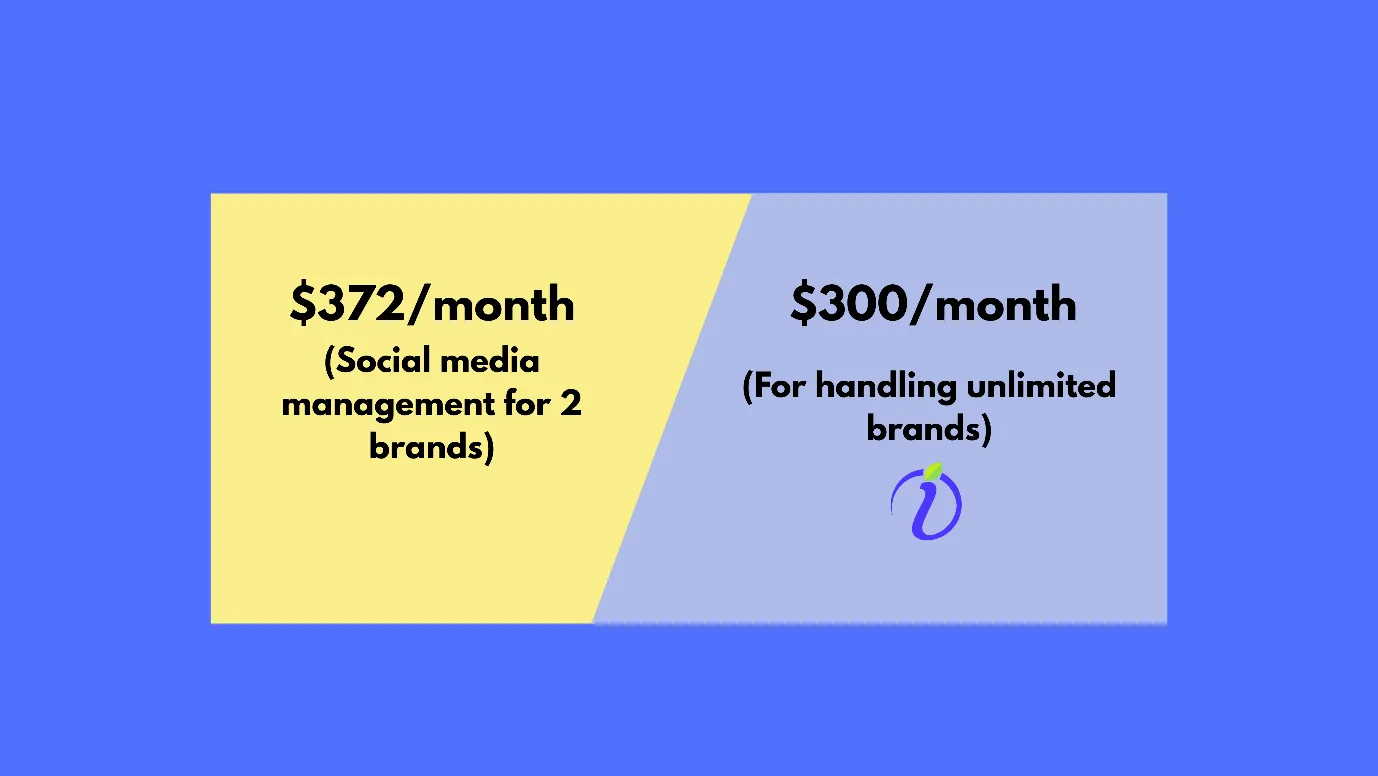
You can see that Indzu can bring you managerial ease and cost less on your pocket.
Free · Instant · No signupSee what ZuAI generates from your website — right now.
Paste your URL. Watch ZuAI write a month of brand-on captions in seconds. Preview before you create an account.
Ready to start a one-pot solution?
Just like one-pot dishes have been popular lately, similarly, single window management is gaining a lot of popularity. And Indzu Social is one of the most popular social media tool consolidation packages today.
You can start a free trial today. Also, if you are looking for AI social media tools
Speed · 10-minute setupOne coffee from URL to a full month of scheduled posts.
Drop your URL, brew your coffee, come back to 30 brand-on captions ready to publish.
FAQ
Q1. Should I use social media automation for my small business?
Ans. Yes, you should use social media automation. You are not handing your entire management to AI; you are just making AI work for you. The final say would be yours.
But by making AI work, you can save a lot of energy and time. This time can be utilized for making some great content or decisions.
This will help you with your business.
Q2. What are the challenges of social media management?
Ans. Here are some challenges with social media management
- Needs to be maintained regularly
- Social media algorithms can change at any time, and affect your growth
- You need to creative consistently and show up
- Same type of content will not work on all platforms.
- Social media growth requires time and patience.
That is why we suggest you try the Indzu social media management tool. It can create much of your content, provide you analytics and keep track of your growth.
It will be your assistant and reduce 90 percent of your content creation and social media management burden.
Q3. Is having a complete social media management or social media tool consolidation costly?
Ans. No, with Indzu Social, it is very economical. Here are the plans.
Plans | Price |
Starter | $ 15 |
Professional | $ 30 |
Enterprise | $ 60 |
| Agency | $ 300 |