
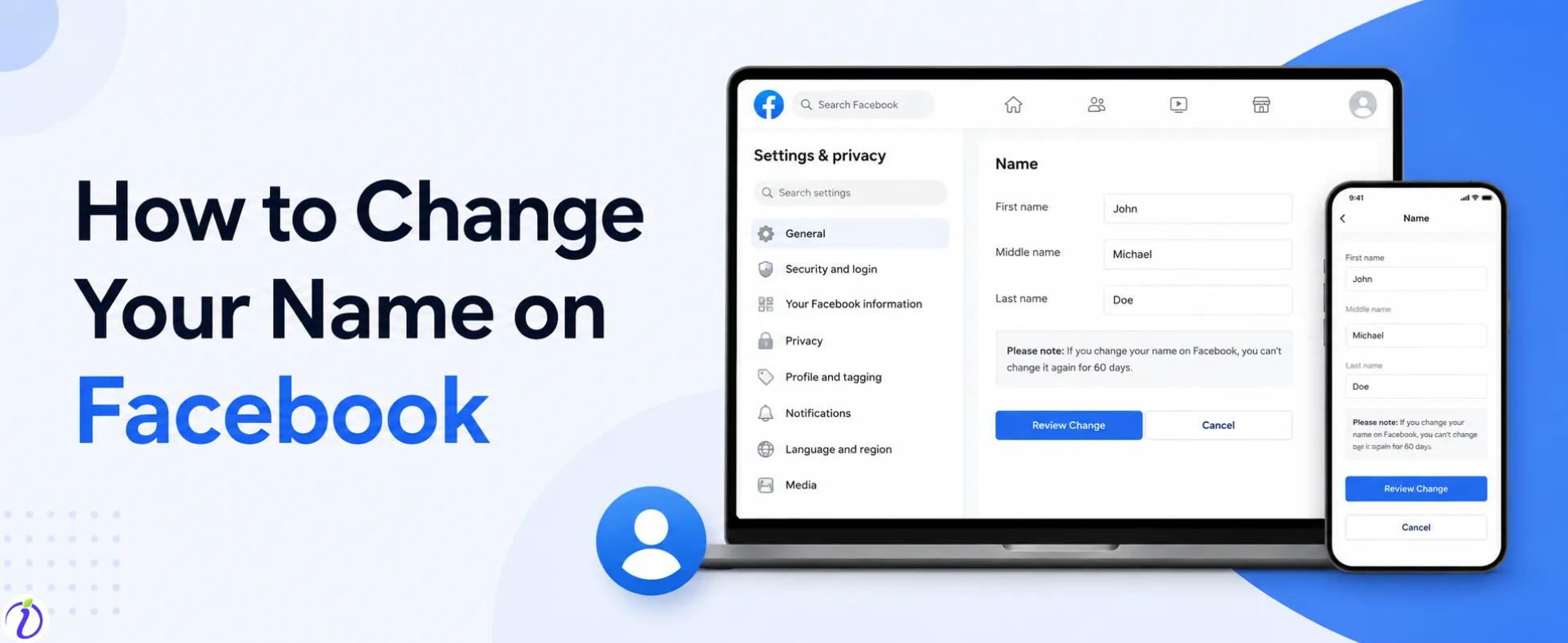
Congratulations on your Doctorate! How to change your name on Facebook? We got you. Facebook names are the main part of your profile identity. It appears in every place you choose to engage in. The first time, remember to wait 60 days before making a new update to your Facebook name. You can change your Facebook name both on desktop and on your phone.
Let’s get into the blog to learn more about how to change your name on Facebook and where your name is visible.
 Time killer · Pain
Spending 6 hours writing posts that get zero traction?
Paste your URL. ZuAI turns it into 30 brand-on captions in 10 minutes — no blank-page panic, no generic AI filler.
What is Facebook’s Name Policy?
Facebook’s name policy is designed to help Facebook users use their authentic identities so their friends, family, and followers can recognize them.
Facebook’s name policy helps to create a safer environment where you can connect to real users.
Outcome · RecommendedGet 30 days of social content from your website — in 10 minutes.
What can you use in your Facebook name?
There are certain formats you can use on Facebook while updating or changing your name.
- Your First and last name
- A middle name
- A maiden or married name
- A nickname related to your real name
If you are a brand, influencer, or business, make sure that when you update or change your name, it is professional and recognizable so your audience can identify your account.
Proof · Verified
2k+ grew faster with one tool.
How to change your name on Facebook
Change Facebook name on Phone
Step 1: Open your Facebook account
Step 2: Click on the hamburger icon on the left
Step 3: Scroll down to “Settings and Privacy”.
Step 4: Click on “Settings”.
Step 5: Click on “Accounts Center”.
Step 6: Click on “Profile and personal details”.
Step 7: Click on your profile name.
Step 8: Click on “Name”.
Step 9: Change the name.
Change Facebook name on Desktop.
Step 1: Open your Facebook account.
Step 2: Click on the hamburger icon on the left
Step 3: Scroll down to “Settings and Privacy”.
Step 4: Click on “Settings”.
Step 5: Click on “Accounts Center”.
Step 6: Click on “Profile and personal details”.
Step 7: Click on your profile name.
Step 8: Click on “Name”.
Step 9: Change the name.
Free · Instant · No signupSee what ZuAI generates from your website — right now.
Paste your URL. Watch ZuAI write a month of brand-on captions in seconds. Preview before you create an account.
How to change other names
Step 1: Under “Name”
Step 2: Click on “Manage other names”.
Step 3: Change your nickname.
Speed · 10-minute setupOne coffee from URL to a full month of scheduled posts.
Drop your URL, brew your coffee, come back to 30 brand-on captions ready to publish.
Nick name vs Profile name
| Profile Name | Nick Name |
The name that is shown in your profile. Which gives you an identity on Facebook. | An additional informal name. |
You can use the profile name in search results. | Sometimes it is used, if you have a popular nickname. |
Profile pictures appear when you upload any posts or comments. | Nick name does not appear under post or comments. |
Appear everywhere on Facebook | Appear in profile details beside your profile name. |
You profile name appears in messenger | Nick name does not appear in Messager. |
Blank tab. Six open browsers. No clue what to post.


 After · With Indzu
Paste one URL. Get 30 scheduled posts.
Where your Facebook profile name is seen
Facebook profile name is one of the ways other Facebook users identify. Lets see where the place your Facebook name is shown.
Place on Facebook | How Your Profile Name appears |
Facebook Profile | Displayed at the top of your profile page |
News Feed Posts | Shown above every post you share |
Comments | Visible next to your comments on posts and videos |
Messenger | Appears in chats and conversation lists |
| Friend Requests | Seen when sending or receiving requests |
Facebook Search | Helps people find your account |
Tagged Posts | Displayed when someone tags you |
Facebook Groups | Appears beside your posts and comments in groups |
Facebook Pages | Seen when interacting as your personal account |
Reactions and Likes | Displayed when reacting to posts or photos |
Stories | Appears on Facebook Stories you upload |
Event Participation | Shown in event guest lists and comments |
| Marketplace | Visible when buying or selling items |
Notifications | Appears in notifications involving your activity |
Shared Content | Seen when others share your public posts |
Time killer · Pain
Spending 6 hours writing posts that get zero traction?
Paste your URL. ZuAI turns it into 30 brand-on captions in 10 minutes — no blank-page panic, no generic AI filler.
Conclusion
Changing your name on Facebook is a simple process. Whether you update your profile for professional or personal reasons, follow the Facebook guidelines. Using your real name helps you to get recognized by your audience or followers.
Go through the steps how to change your name on Facebook. You can change the name on both the desktop and the laptop—double-check before confirming the new name, as Facebook has a 60-day limit.
You can use Indzu. social to create and schedule posts on Facebook.
Outcome · RecommendedGet 30 days of social content from your website — in 10 minutes.
FAQs
Q1. How often can I change my Facebook name?
Ans : You can change your Facebook name once every 60 days. Constantly changing your Facebook name will make it hard for your friends and followers to identify your account.
Q2. Does Facebook require my real name?
Ans : You can open an account that does not have your real name. But Facebook encourages you to open your account in your real name so other Facebook users can identify you.
Q3. Will my Friends be notified if I change my Facebook name?
Ans : No, your friends will not be notified when you change your Facebook name.
Q4. Can I switch back to my old Facebook name?
Ans : Yes, you can change to your old Facebook name, but you must wait for 60 days once you have changed to the new name.
Q5. Is changing a Facebook username the same as changing a profile name?
Ans : No, Facebook username and profile name are not the same.


