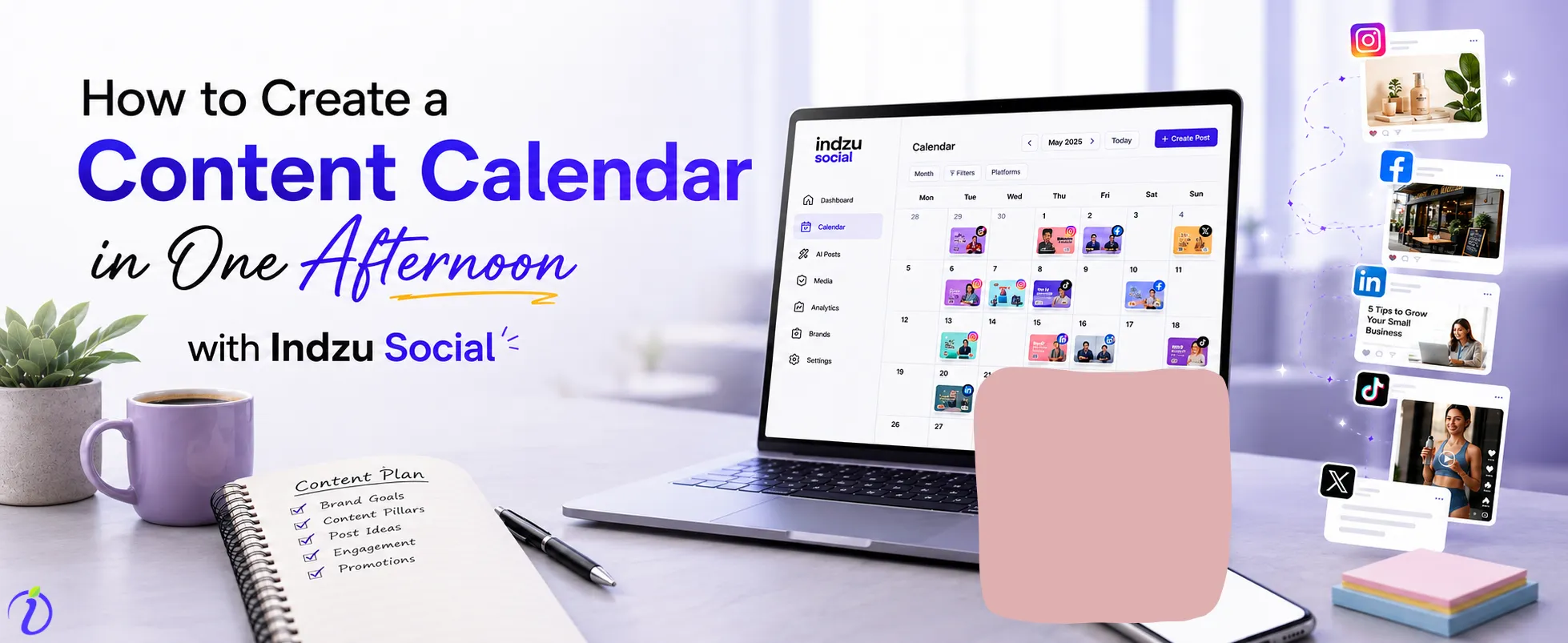
Fragmented social media management is an old stack approach. Most businesses were early using separate tools for every section of post.
Task | Old Stack Approach | Time Cost |
Writing captions | ChatGPT → copy-paste into doc | 30–60 min/week |
Designing posts | Canva → manual resize per platform | 2–3 hrs/week |
Scheduling | Buffer/Hootsuite → manual upload | 1–2 hrs/week |
Analytics | Log into each platform separately | 1 hr/week |
Client/team approval | Google Drive link → email thread | 1–2 hrs/week |
Total | 5 tools, 5 logins, 5 invoices | ~14 hrs/week |
On a total, 14 hours were spent every week by small scale businesses across the globe. It was not a sustainable approach for a small business managed by one or two people. Small businesses need a simple and effective social media post creation method where they spend less time creating the most effective posts. Along with post creation, they must schedule the post in the calendar for a month. By doing so, they will be able to concentrate more on sales while marketing is happening side by side.
What if I tell these small-scale businesses that it is possible to do one month of social media marketing for their products and services in less than 2 hours.
Yes, indzu social is the tool that will make your marketing a breeze.
In this blog, let me show you how to create a month worth of content for your brand in less than 2 hours using indzu social along with the initial set-up and other tasks. For the next month, you will spend less than 30 minutes only.
 Time killer · Pain
Spending 6 hours writing posts that get zero traction?
Paste your URL. ZuAI turns it into 30 brand-on captions in 10 minutes — no blank-page panic, no generic AI filler.
How to Build a Content Calendar in One Afternoon: Step- by -Step Instruction

Step 1: Confirm your Brand goals and finalize the platforms (20 minutes)
Before you start generating the post, decide the social media platforms that you are planning to use for your business. Similarly confirm your primary goal with AI social media post generation. Are you planning to drive website traffic? Increase brand awareness? Convert your followers to customers? Build local awareness? Based on your goals, choose the platforms.
Here is a simple table to help you choose the right platform.
Platform | Best For | Content Types |
| Product-led businesses, visual brands | Reels, carousels, stories | |
| Local businesses, community building | Posts, events and updates | |
| B2B services, professionals | Long-form posts and articles | |
X( Twitter) | Real-time engagement news and comments | Short-form posts and Threads |
TikTok | Trend-driven brands and short videos | Reels and videos |
| DIY, lifestyle, and E-commerce | Pins, boards and carousels | |
Google Business Profile | Local search visibility | Updates, events and offers |
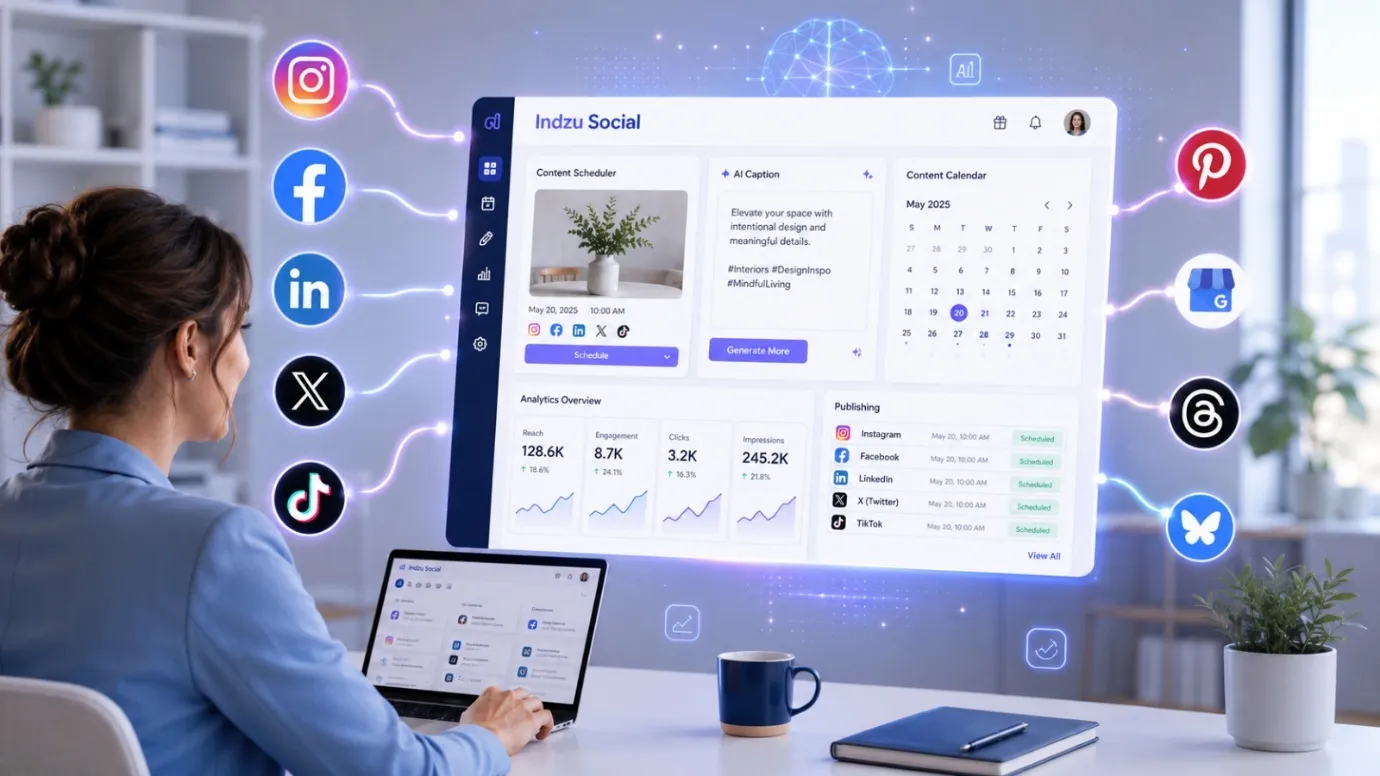
Apart from this you can also connect with Bluesky and Threads for higher engagement. Using indzu, you can connect all these platforms in a single dashboard. Indzu social auto-formats content patterns, captions, image dimensions and hashtags suitable for every platform. No manual resizing or editing is required.
Step 2: Create your Content Pillars (15 minutes)
Content pillars are the recurring themes that a brand can use to create content regularly. It avoids the content paralysis and makes a solid foundation for the content calendar.
Here are a few examples for content calendar:
- Product Highlights: If you are a brand with multiple products, product highlights is the top beneficial content pillar.
- Educational Content: FAQS, how to posts and Tips are much useful and sharing them once a week will bring more traffic to your brand.
- Social Proof: Like me, everyone expects a good rating and review for products and services. Hence plan to share UGC, testimonials and reviews once per week in the content calendar.
- Brand Personality: Memes, behind-the-scenes content and team moments are the best thins of any band. Don’t miss this in the content calendar.
- Promotions: product sales, offers and event posts will hit the customers differently as the end results are the same.
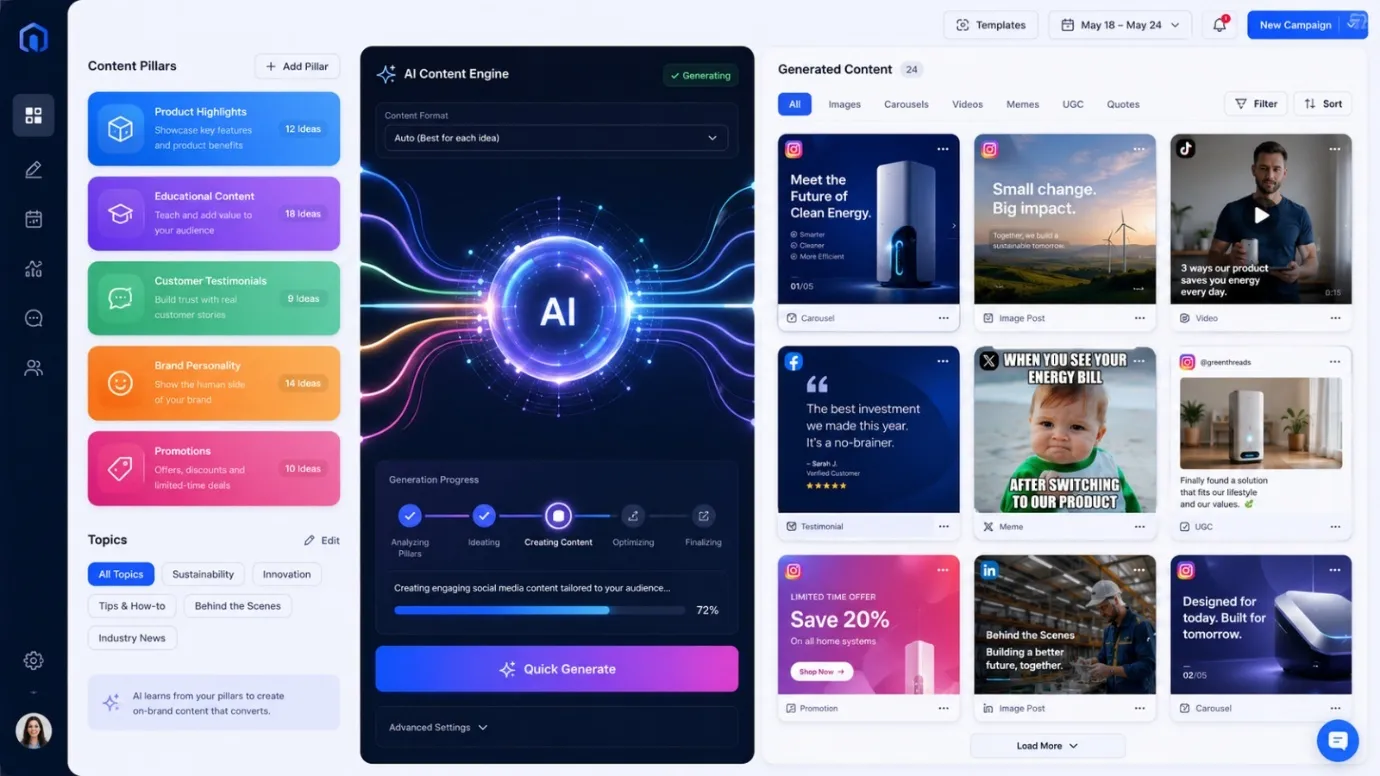
In the indzu social dashboard, you can add the blog topics and type of posts that you need are clearly entered under the brand section. Once updated, create posts by clicking “quick generate” under AI posts.
Step 3: Posting frequency (10 minutes)
After you have created posts, it’s time to determine the post formats in synchronization with audience preference using AI scheduler. Here is a short table on how to create a working posting schedule with indzu social.
Business Size | Recommended Frequency | Monthly Post Count |
Solo operator | 3 x per week | Approx.. 12posts/ month |
Small business team (2-5) | 5 x per week | Approx. 20 posts / month |
| Growing brand | Everyday | Approx. 30 posts/ month |
By creating a realistic post schedule and frequency like above, you won’t disappear on week three. Indzu social is fast, reliable and generates 30 posts in under 10 minutes. These 30 posts are perfect for a daily post schedule.
Step 4: Generate Content with Indzu social (10 – 20 minutes)
The process is very simple. If you have a website, copy the URL and paste into indzu social. Indzu’s AI engine, ZU AI, reads your brand voice, product details, logo pattern, logo color palette and visual style automatically. Avoid the hassle of entering product briefs and service details.
Once the brand details are added, choose the content pillars and add them in the topics section. Under quick settings, set the number of posts created to 10 with a good combination of image posts, carousels, and memes.
Finally click generate and within 2 – 3 minutes, you will have ten posts, exclusively designed for your brand based on your brand value, voice and logo colors.
Step 5: AI post scheduler that approves your posts ( 20 – 30 minutes)
Posts created by ZU AI are editable posts only. You are free to make any changes in the post. Once you are satisfied, drag posts onto the content calendar. Indzu social’s smart scheduling features publishes posts at specific time. You share your most engaging posts throughout the month for your specific audience without much stress. Always best reach without additional research.
What Type of Content Can Indzu Social Create?
Indzu social has more than 15 post formats. It supports most trending post formats like Reels, UGC videos, Images and anything the audience need. Here is a detailed account of the types of post ZU AI creates.
Post Type |
Image Post |
Image Ad |
Carousel |
Memes |
Carousel Images |
UGC Videos |
Special Occasion Posts |
Short Promotional Video |
Product Photo Shoot |
Informative Video |
Educational Images |
Our ZU AI engine also monitors the trending content formats and viral patterns and generates posts matching the current trends.
How does Indzu Social’s Smart Scheduling works?
ZU AI engine is engineered to determine the top-performing posts and its types. Once your posts are published, our engine analyzes the likes, shares and comments received for each post and identifies the pattern of highest engagement. This results in determining the best posting times on social platforms.
Thus, you can post on social platforms exactly when your audience are available. This is ZU AI’s smart social media post scheduling.
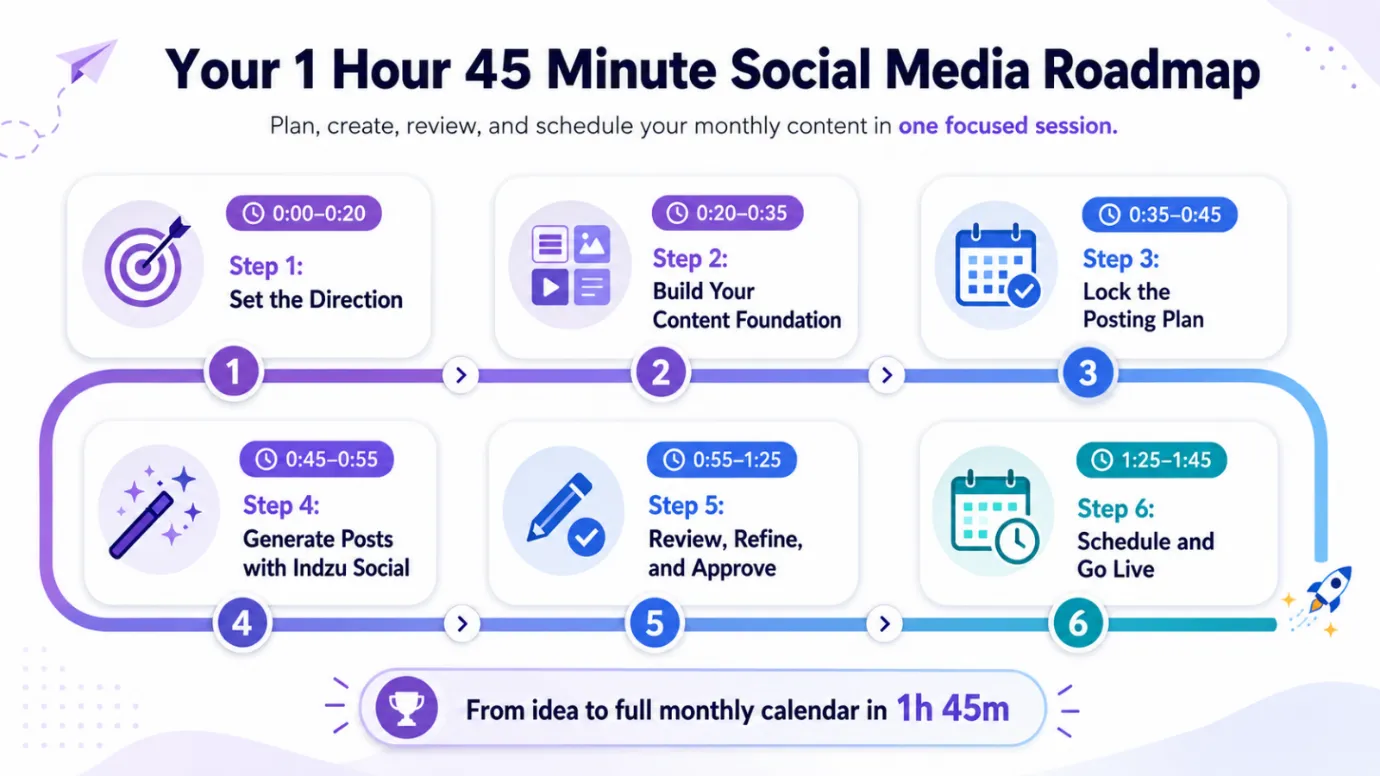
With all these data in mind. Here is how you can convert your one afternoon break into month worth content calendar with ZU AI.
Time Block | Task |
0:00 – 20:00 | Define your brand goal and select the social media platforms |
20:00 – 35:00 | Content Pillar identification and post type preference |
35:00 – 45:00 | Decide posting frequency |
| 45:00 – 55:00 | Create content with indzu social |
55:00 – 1: 25:00 | Review and edit generated posts |
| 1:25:00 – 1:45:00 | Schedule across all platforms |
Outcome · RecommendedGet 30 days of social content from your website — in 10 minutes.
Wrapping Up
A content calendar created with the right tools and strategies will naturally drive traffic, bring sales and relax small business owners. Our tool has the potential to build the content calendar for a month in less than 2 hours. You can also integrate all your social media platforms with our dashboard and post across. Setting the tool takes just 45 minutes and you are good to go for the rest of your life.
Get started free today, no credit card is required to explore our tool. Try initially with two channels.