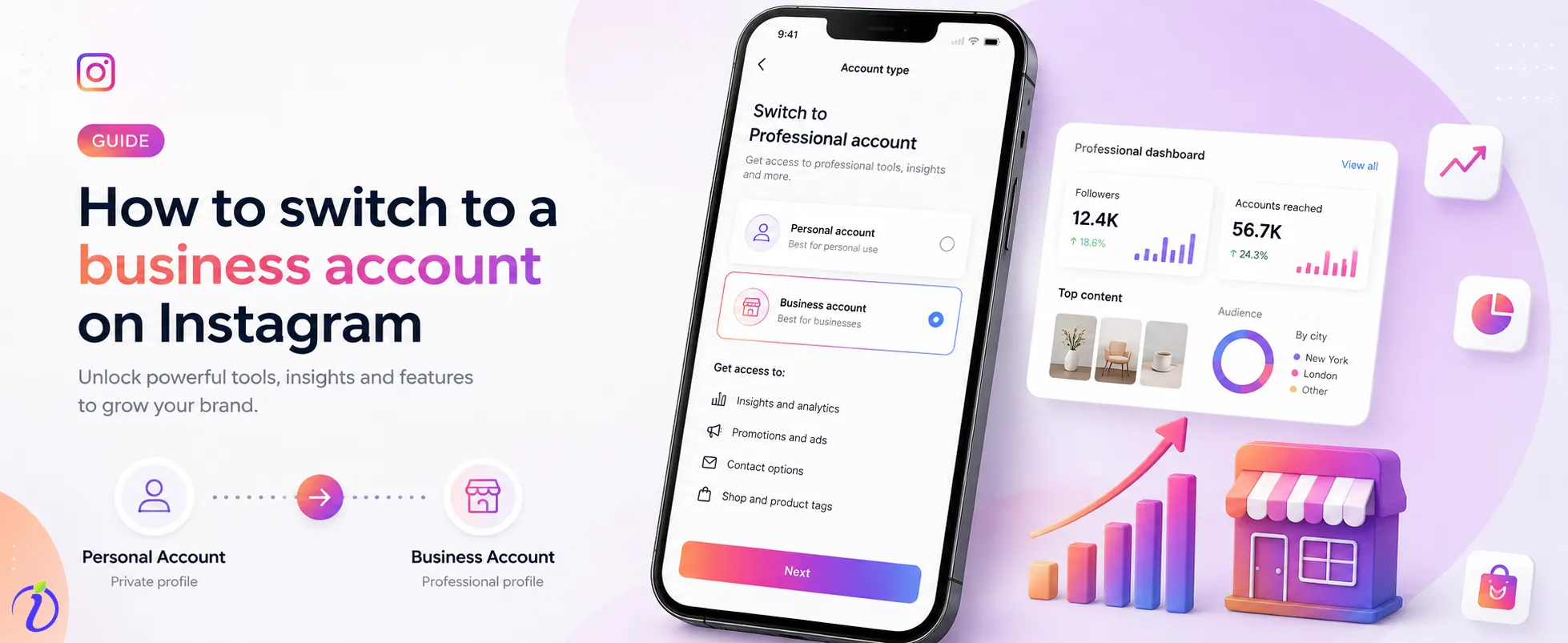
How to switch to a business account on Instagram? Switching to a business account is an essential step for brands, entrepreneurs, and service providers who want to grow their businesses online successfully and professionally. As data suggests, more than 200 million business profiles use Instagram to promote their products or services. Instagram business accounts give access to Instagram insights and other professional tools that are not available on a normal profile.
In this blog, we will discuss how to switch to a business account on Instagram step by step and how it will help you reach more viewers, increase credibility, and build trust.
 Time killer · Pain
Spending 6 hours writing posts that get zero traction?
Paste your URL. ZuAI turns it into 30 brand-on captions in 10 minutes — no blank-page panic, no generic AI filler.
What is an Instagram Business Account?
An Instagram business account is a professional account specifically designed for brands, products, services, or entrepreneurs to promote their offerings on Instagram. It provides advanced built-in tools and features that are not available on personal accounts.
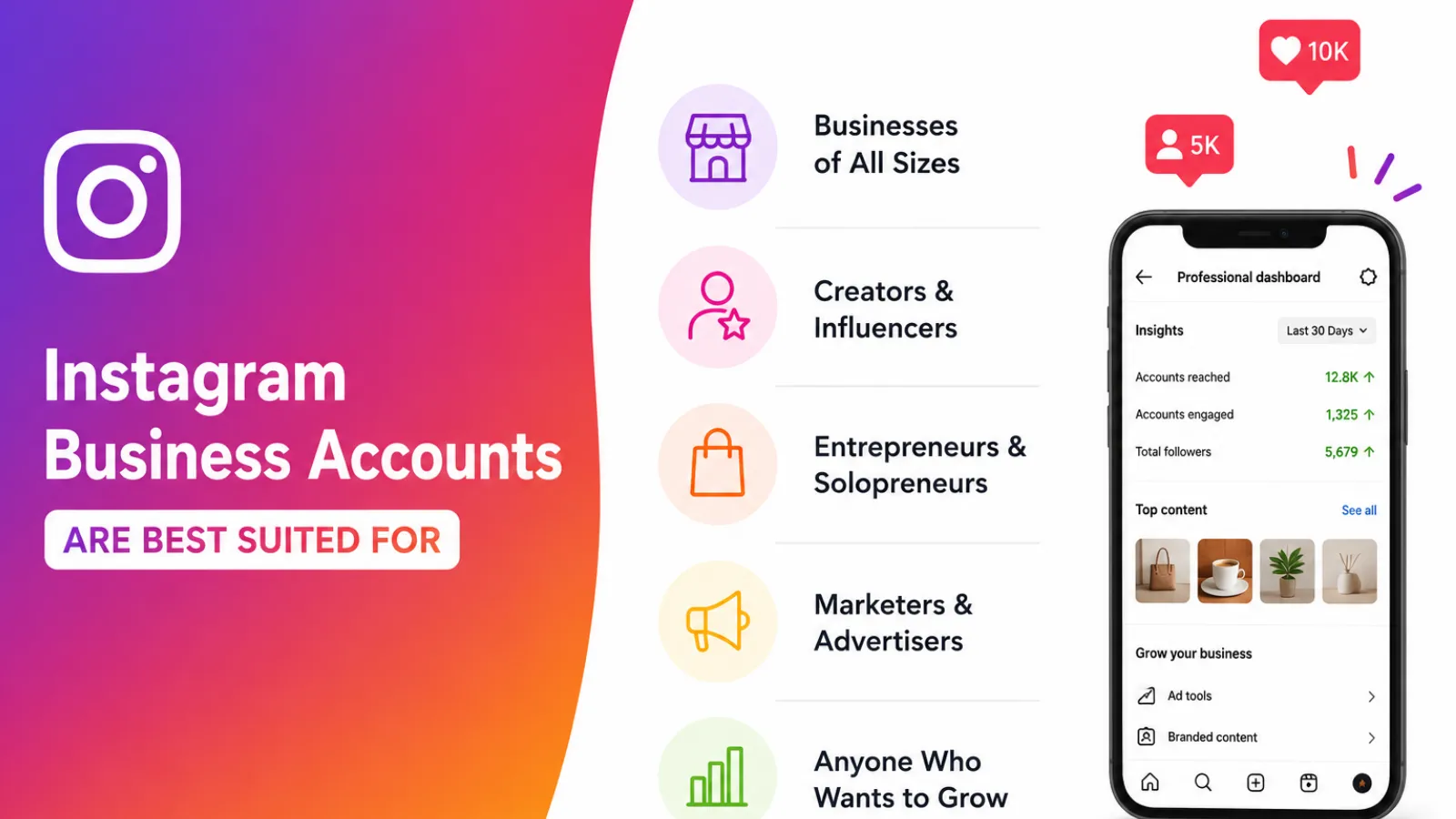
Instagram Business Accounts are best suited for:
Instagram Business Accounts are mainly used for-
- Small businesses
- Online stores
- Restaurants
- Agencies
- Local brands and services
Outcome · RecommendedGet 30 days of social content from your website — in 10 minutes.
Benefits of switching to a Business Account
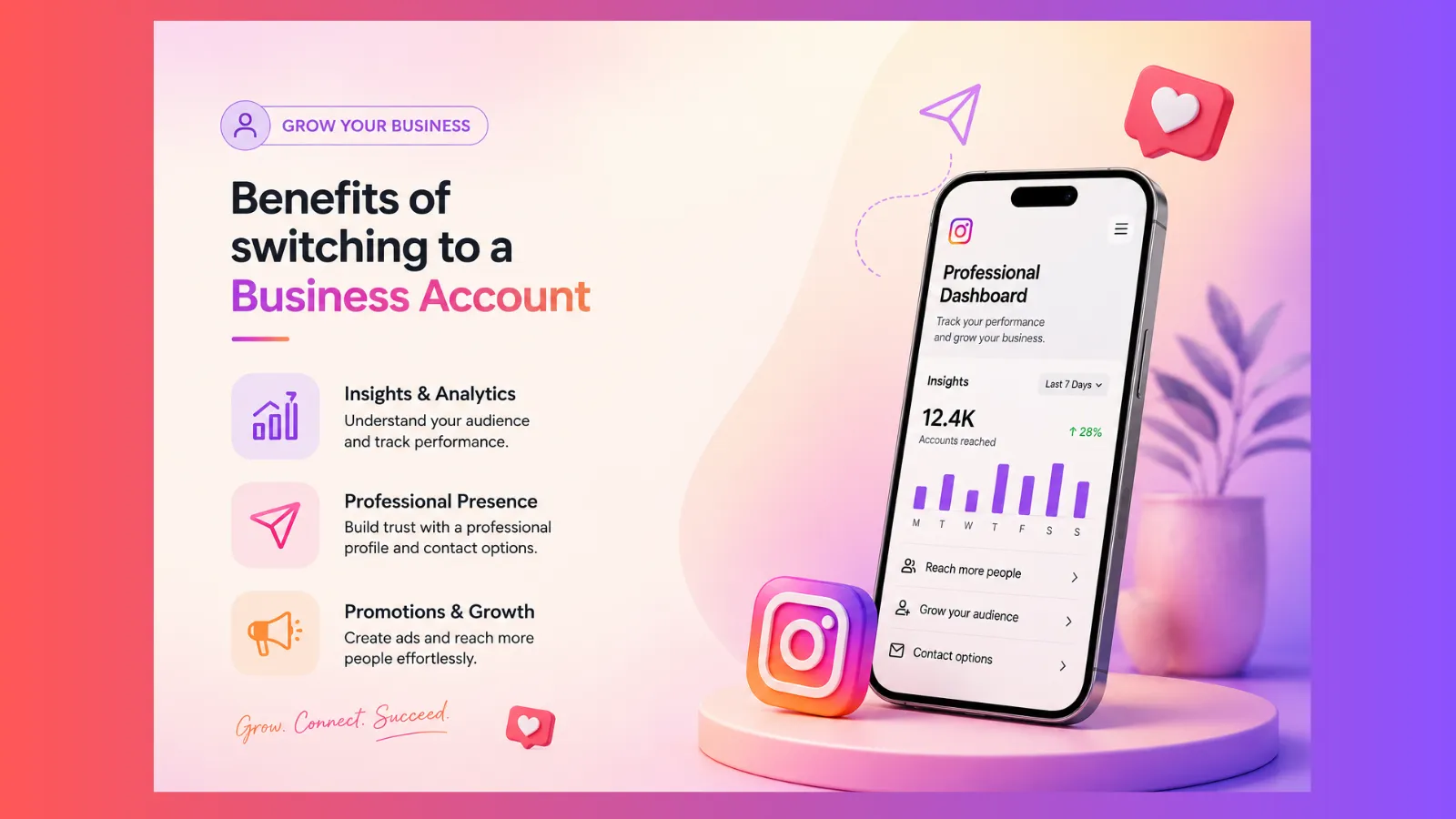
The main benefits of switching to a business account include access to professional tools for brands, creators, and small business owners. These tools help grow their businesses, reach more customers, and analyze real-time performance.
Access to Instagram Insight
You can gain real insight into your business account and analyze your growth. You can track your follower growth, reach and impressions, profile visits, how many clicks you are getting, and most-loved posts by your audience. These insights help to understand your audience and improve content quality.
Run Instagram Ads
If you are the owner of an Instagram business account, then you have the privilege of creating and promoting ads directly from the app. This directly helps you reach more people, increase engagement, drive more website traffic, and increase sales.
Add Contact Information
You can add your contact information; this will help your customer connect with you and your service. You can set up a professional dashboard with your email address, contact number, business location, and more.
Use Call-to action Buttons
Call-to-action buttons help customers connect with the business account owner. You can use action buttons like :
- Book now
- Order food
- Reserve
- Contact us
Gets access to the Instagram Shopping feature
Instagram business accounts offer shopping features that help you tag products in posts and reels, set up your own product catalogue, and build trust and credibility for your services, making it easier for followers to find you.
Proof · Verified
2k+ grew faster with one tool.
Things to Know Before Switching to an Instagram Business Account
Before switching to an Instagram business account, it’s important to know how Instagram business accounts work
Your Account will Become Public
A business account is primarily created to grow reach and generate more traffic. So, there is no point in keeping it private. So, your account will be public. If you usually use a private account, it will automatically switch into a public account. That means anyone can view your posts, stories, reels and profile information.
You can Switch Back to your Personal Account
You can switch back to your personal account whenever you want.
Access to Professional Features
When you have an Instagram business account, you can get access to some professional tools.
To schedule posts, manage messages, and track performance.
Facebook Page Connection is needed for some features
To access advanced features such as business tools, ad features, and integrations, you may need to link your accounts to a Facebook Page. For basic switching, it’s not mandatory to connect with a Facebook page.
Some features may be limited
Business accounts come with some limitations, too. Sometimes it has limited access to some trending music or copyrighted music tracks.
Free · Instant · No signupSee what ZuAI generates from your website — right now.
Paste your URL. Watch ZuAI write a month of brand-on captions in seconds. Preview before you create an account.
How to switch to a Business Account on Instagram( Step-by-step guide)
Open the Instagram App
First, open the Instagram app on your device, and make sure that you are already logged in to at least one of your existing accounts.
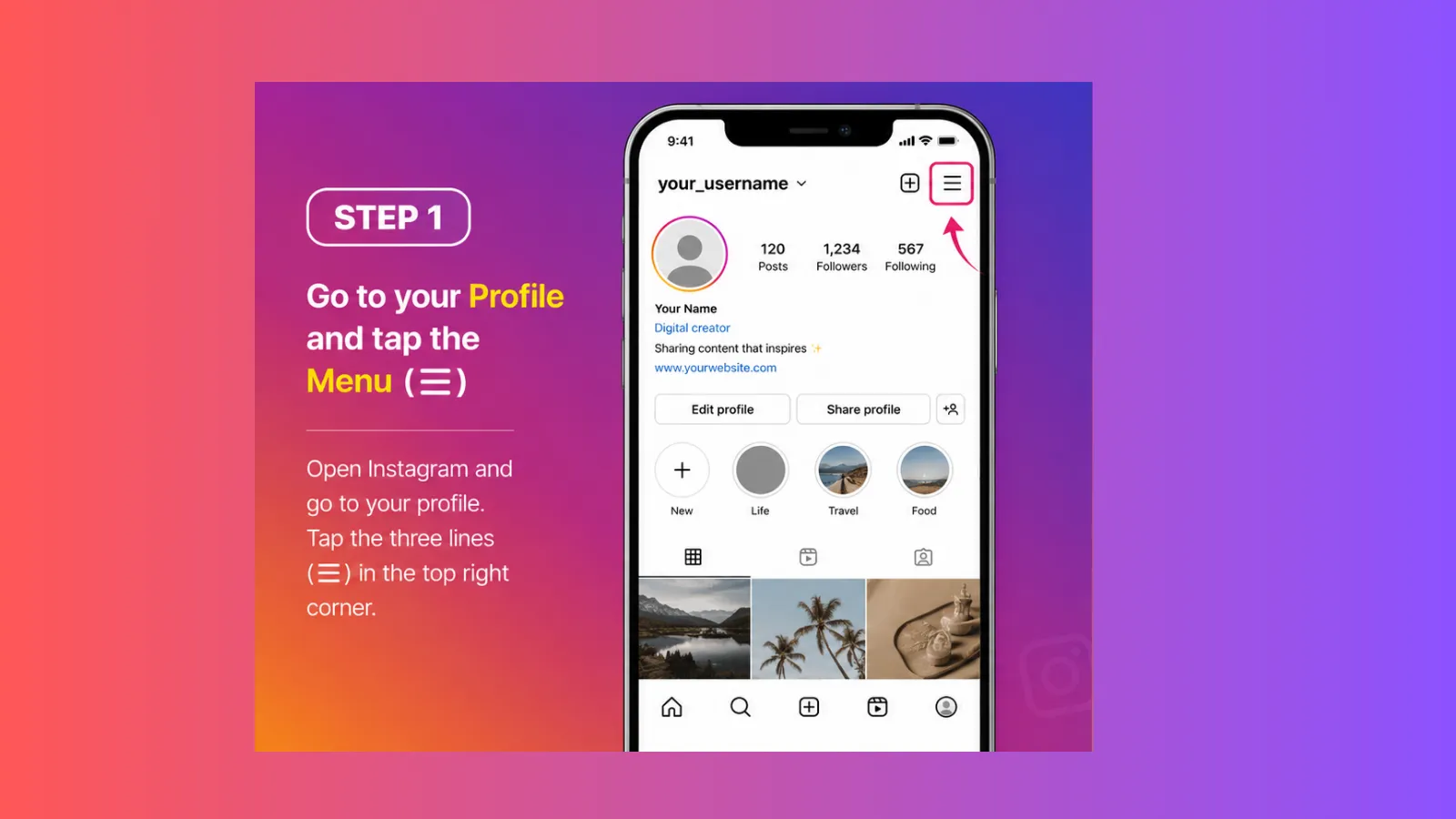
Go to Your Profile
Then tap your profile picture icon located in the bottom-right corner of your phone screen. It will take you to your Instagram profile page, where you can access settings and account options.
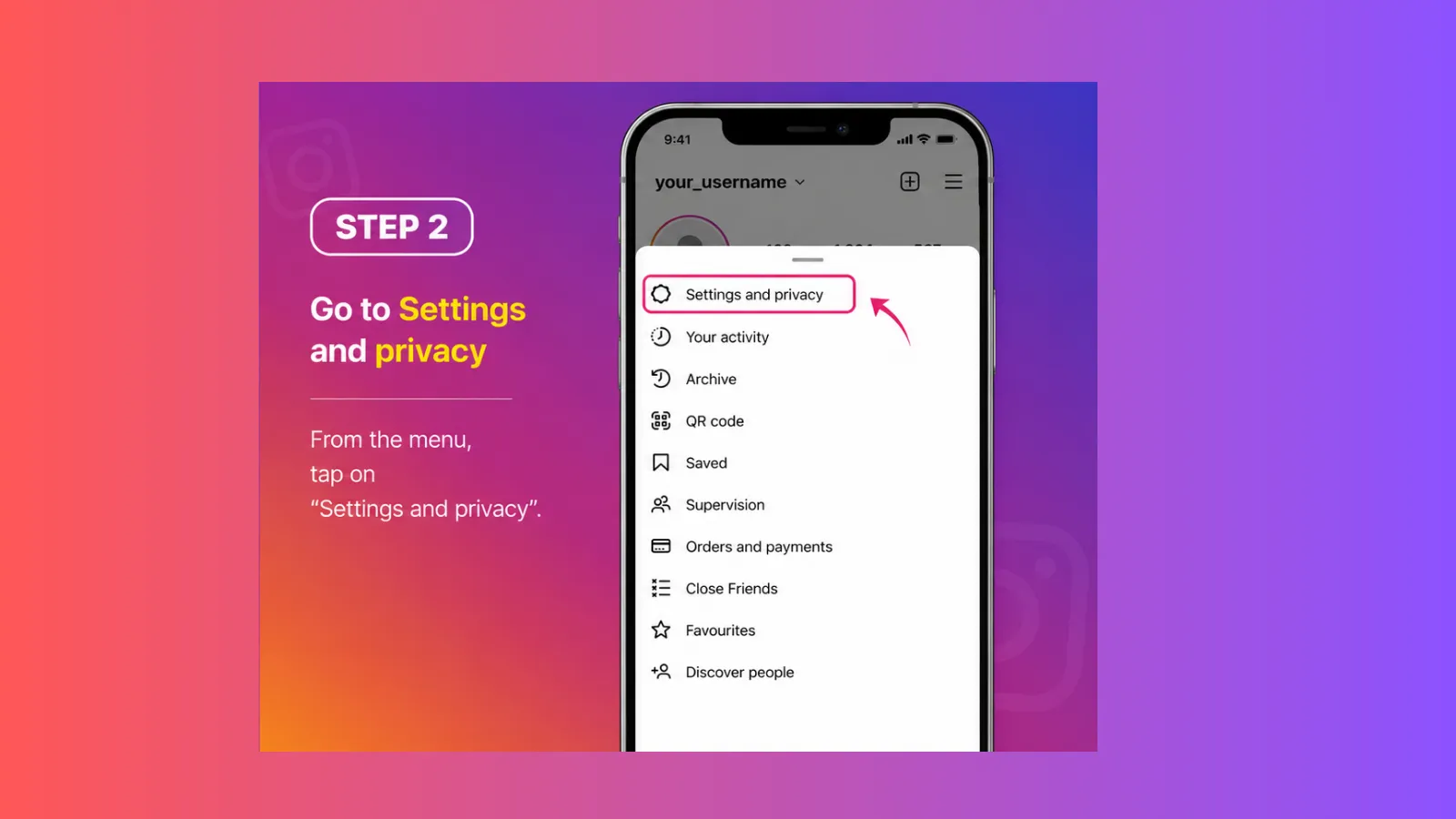
Tap Your Username
At the top-left side of your profile page, you will see your current logged-in Instagram profile user name. Click on the username.
A drop-down menu will appear, with all of your existing accounts present in your Instagram App.
Select the Account You Want to Switch to
From the existing accounts, tap the account you want to open. Instagram will directly switch you to that profile without logging out of the others.
You can redo this process to switch between accounts. Instagram offers various types of business accounts with lots of professional tools and features. You can use these accounts to promote your brand and services for:
- Businesses
- Restaurants
- Online stores
- Agencies
- Local shops
Speed · 10-minute setupOne coffee from URL to a full month of scheduled posts.
Drop your URL, brew your coffee, come back to 30 brand-on captions ready to publish.
How to Optimise Your New Business Account
Use a professional profile picture
As they say, first impressions last, so choose a clear, catchy profile picture for your business account. It could be your brand logo, a business symbol or a professional picture to promote your brand.
Write a strong bio to represent your brand
Actually, a bio tells a lot about your business, what your business does, who you help, what your products are and why people should choose your brand.
Blank tab. Six open browsers. No clue what to post.


 After · With Indzu
Paste one URL. Get 30 scheduled posts.
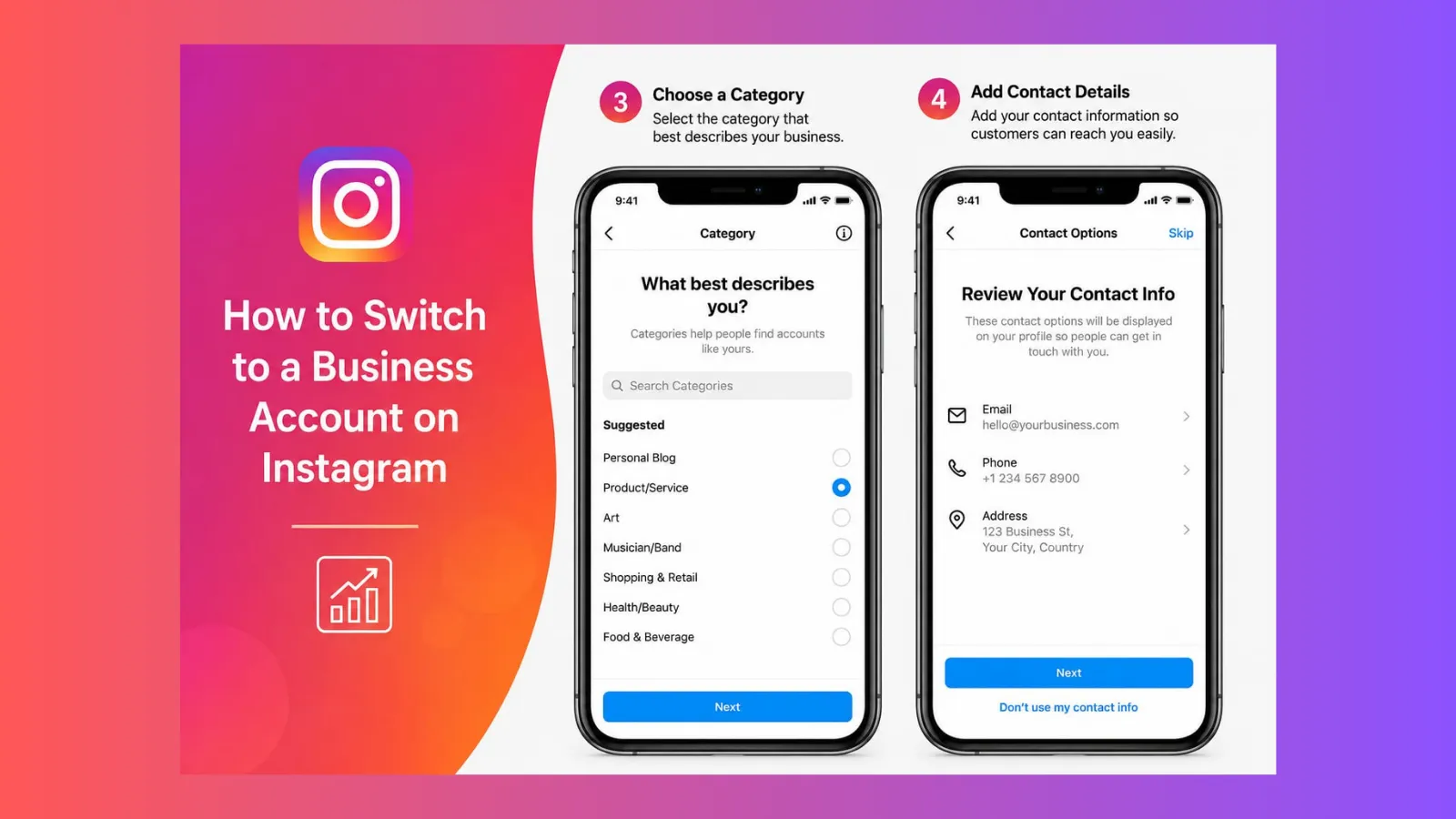
Choose the right business category
It is very important to choose the right business category for your brand that best suits your needs. You may choose it at your preference, such as
- Restaurant,
- Clothing Brand,
- Digital Creator,
- Education,
- Beauty Service.
Add the Contact Information
To customize your business account, you must add contact information, such as your email address, phone number, location, and website link.
Create High-Quality Content
High-quality, relevant, consistent, and visually appealing content. Posting this type of content can enhance your reach and engagement.
Engage with Your Audience
Optimisation isn’t just about posting; you can also reply to their comments, answer all inquiries via DMs, and even engage with followers’ content.
Business Account vs Creator Account
Instagram offers two types of professional accounts, both intended for professional use. However, they are crafted for different purposes.
When to choose a business account
If you are promoting a company or brand, selling products or services, or want advanced tools to enhance your brand’s features or need access to shopping and booking features.
Best for
- Restaurants
- Clothing brand
- Digital marketing agencies
- Local business
When to choose a creator account
But when you are focusing on creating content and building a personal brand, you may choose a creator account. A creator account is best for
- Influencers
- Content creators
- YouTubers
- Bloggers
- Photographers
- Public figures
Time killer · Pain
Spending 6 hours writing posts that get zero traction?
Paste your URL. ZuAI turns it into 30 brand-on captions in 10 minutes — no blank-page panic, no generic AI filler.
Tips to Grow Your Instagram Business Account
Switching to a business account on Instagram may be your first concern, but without the right tricks and tips, you may encounter obstacles to achieving your goal. So, here are the tips you should follow
- Always optimise your Instagram business account
- Try to update the post consistently, because your consistency helps increase reach and ultimately leads to growth.
- Engaging with your audience can seriously affect your overall growth.
- Focus on creating high-quality content.
- Use Instagram Insights to your advantage; analyse them thoroughly.
Outcome · RecommendedGet 30 days of social content from your website — in 10 minutes.
FAQ
Q1. How to switch to a business account on Instagram?
Answer: To switch to a business account, open your Instagram app > go to Menu > Settings and privacy > Account types and tools, then just switch to a professional account. Then, step-by-step, choose your business category and add your contact details (mail ID, contact number, and website link), and your Instagram business account is ready.
Q2. Is an Instagram business account free?
Answer: Yeah, an Instagram business account is completely free. You may create a business account to access features such as Instagram Insights, contact buttons, and professional tools.
Q3. Do I need a Facebook page to use a business account?
Answer: No, you don’t need a Facebook page to create and use a business account, but sometimes, by connecting a Facebook page, you may get access to some extra features, such as
- Using advanced shopping tools.
- Managing messages through Meta Business tools.
- Running ads more easily.