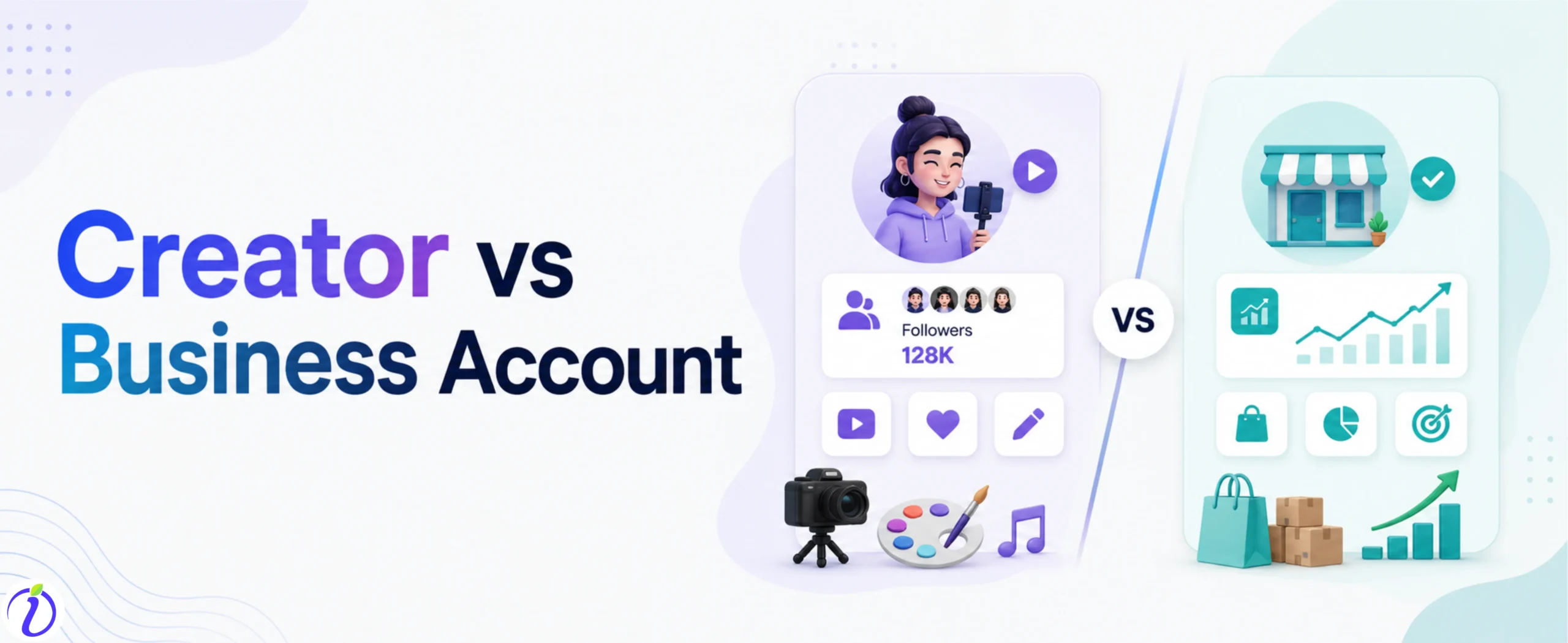
Trying to decide between Instagram creator vs Business account ? We got you. Both accounts have different powerful tools, but for different goals.
Imagine having access to the features that perfectly match your goals, better post insights, improved content performance, and tools designed specifically for your goal.
Let’s get into the blog to learn more about creator vs. business accounts and which account type is best for you.
 Time killer · Pain
Spending 6 hours writing posts that get zero traction?
Paste your URL. ZuAI turns it into 30 brand-on captions in 10 minutes — no blank-page panic, no generic AI filler.
Instagram Creator vs Business Account
We all know Instagram has two types of accounts: private and public. But as Instagram is not just a platform for making friends, it is more than that; it is the best place for marketing, building networks, and growing your brand presence.
Under the public account, it is categorized into two account types: a creator account and a business account.
Outcome · RecommendedGet 30 days of social content from your website — in 10 minutes.
What is an Instagram Creator Account?
An Instagram Creator account is specially designed for public figures, influencers, and content creators. It is especially for creators who want to build their personal brand.
An Instagram Creator account offers special features like
Advance Analytics and Insights
Monetization Tools
Full Music library Access
Creator Marketplace Access
Category and profile Flexibility
Each reel and post Insight
Profile Insight
Live video interaction with your audience.
Proof · Verified
2k+ grew faster with one tool.
What is an Instagram Business Account?
An Instagram Business Account is another professional account type on Instagram, designed for companies, brands, organizations, and local businesses. It focuses on marketing, sales, and customer engagement.
An Instagram Business account offers special features like
Instagram Shopping and Product Tags
Advertising and promotion tools
Professional Dashboard and Action Buttons
Secondary Messaging Inbox
Scheduling tool and third-party tool Access
Collaboration Tools
Category Label and contact info.
Free · Instant · No signupSee what ZuAI generates from your website — right now.
Paste your URL. Watch ZuAI write a month of brand-on captions in seconds. Preview before you create an account.
Features of the Instagram Creator account vs. the Business Account
| Features | Creator Account | Business Account |
| Best For | Instagram Creator Account is best for building your personal brand or increasing followers. | Instagram Business Account is best for when you want to sell your products or services. |
| Used special by | The Instagram creator Account is used by influencers, public figures, weddings, event photographers, and artists. | Instagram Business account is used by local business, restaurants, e -commerce brands, and other service provider. |
| Primary goal | It’s primary goal is personal branding and audience engagement. | It’s primary goal is marketing, sales, and customer acquisition. |
| Direct Message | In the creator account, you have the advanced filtering feature for the message. These are divided into Primary messages General messages Request messages
| In Business Account the message is directly sent to your inbox. |
| Contact Option | Limited contact is available in the creator account | All the contact option is available in the business account ( email, phone, address). |
| Monetization | In creator account you can access to Instagram creator marketplace, paid subscription, badges and full music library. | In Business account you can access advance advertising options, Instagram shopping for product tagging and direct schedule tools. |
| Call to action | The creator account has limited call to action option. | The business account has a wide selection of call to action aimed at direct sales and conversion. |
Speed · 10-minute setupOne coffee from URL to a full month of scheduled posts.
Drop your URL, brew your coffee, come back to 30 brand-on captions ready to publish.
Tips to follow while using the Instagram Creator account
If you decide to create an Instagram creator account, here are a few tips you should consider to boost your engagement.
- Niche content
The Instagram creator account focuses on personal branding. So, if you want to grow your creator account, you need to focus on a specific niche – such as fashion, fitness, education, lifestyle, and many more.
Once you start focusing on a particular niche, you will attract an audience interested in it. This will help you attract the right audience and build trust over time.
- Trending audio
Having a creator account gives you access to the full music library. So, to boost engagement, you need to create reels or videos using trending audio.
When you create videos on trending audio, they are prioritized by the Instagram algorithm, giving them a higher chance of reaching a wider audience.
- Interaction
Once you post a video, you will receive likes, comments, and shares from your followers. It is important to interact with your followers by replying to comments, answering messages, and appreciating their engagement with your video or post.
This builds strong relationships, increases engagement, and boosts your visibility.
- Consistency
Being consistent is an important tip in the content creation journey. When you post regularly, it signals to the Instagram algorithm that your account is active.
But do not post randomly, know the best time to post on Instagram and post accordingly to increase visibility and engagement.
- Collaborate
Having a creator account means you shouldn’t miss the chance to collaborate with other amazing content creators. Collaborating can introduce your profile to an entirely new audience.
Even collaborating helps you to gain credibility.
Blank tab. Six open browsers. No clue what to post.


 After · With Indzu
Paste one URL. Get 30 scheduled posts.
Tips to follow while using an Instagram Business account
If you decide to create an Instagram business account, here are a few tips you should consider to increase your conversion rate.
- Optimize your profile
The first step when you have an Instagram business account is to optimize your profile. It means updating the accurate business details on your Instagram profile. The details are :
Phone number
Address
Niche
What products or services do you sell?
Even if you can add a summary in your bio, “how your product or service will be useful to your audience”, then it would be great.
- Use Instagram ads
On a business account, you can use Instagram ads to target specific audiences based on demographics, interests, and behavior.
Instagram ads help you reach the right audience.
- Post high-quality content
For business accounts, always consider posting high-quality images of your products or services. Even the images should align with your brand Identity. It should include the color, tone, and message that align with your brand.
- Track performance
Only uploading posts or running ads isn’t enough; you need to track post or ad performance. Visit Content Insight to know your post engagement growth, whether it is viewed most by men or women, or from which country.
It will give you ideas about who your ideal customer is. And based on reach, engagement, and conversion, you can refine your content strategy.
- Call to action
At the end, having a proper call to action is very important, as it is the way of conversion. Encourage your audience to take action directly after they have viewed your profile or post.
Time killer · Pain
Spending 6 hours writing posts that get zero traction?
Paste your URL. ZuAI turns it into 30 brand-on captions in 10 minutes — no blank-page panic, no generic AI filler.
Common mistakes to avoid
Now that you know the tips you need to use, let’s discuss common mistakes you should avoid to boost your growth on Instagram.
- Choosing the wrong account type
Before creating an account, know your primary goal. If you want to be a content creator or focus on personal branding, then open a creator account. If you want to sell a product or service then business account is more suitable.
So, avoid the mistake of choosing the wrong account that doesn’t align with your goal.
- Using copyrighted music
Using restricted audio can result in being muted or in your content being removed by Instagram. So choose the music carefully.
- Others
The other common mistakes that you should avoid are inconsistency, over-promoting your product or services, and not engaging with your audience.
Outcome · RecommendedGet 30 days of social content from your website — in 10 minutes.
Conclusion
Choosing between a creator vs. a business account depends on your primary goal. If you want to focus on personal branding, then you can create a creator account. If you want to sell your products or services, you can create a business account.
Good through the different features offered by the creator and business accounts. Follow the tips to boost your content engagement. To be Consistent in your content posting, use Indzu. social It helps you create posts specific to the topic within minutes.
Proof · Verified
2k+ grew faster with one tool.
FAQs
Q1. Can I switch between Creator and Business accounts at any time?
Ans 1: Yes, you can switch between a creator and a business account. You can switch accounts according to your work flexibility.
Q2. Does switching account types affect my followers or engagement?
Ans 2: No, switching account type does not affect your followers or engagement. But your reach and engagement can change slightly depending on how you use Instagram features like ads, content formats, and analytics.
Q3. Is a Creator account good for a small business?
Ans 3: Creator account is good for small business, if the business depends on personal branding or content marketing, then a creator account is good for small business. But if the business wants to run paid ads, sell products, or use an automation tool, then having a business account is a better option than a creator account.
Q4. Can I link my website to both Creator and Business accounts
Ans 4: Yes, both account types allow you to add a website link in their bio. Business accounts offer additional contact buttons and a call-to-action feature that help drive traffic more effectively.
Q5. Which account type is better for personal branding?
Ans 5: Creator accounts are the best for personal branding. It allows you to build a strong identity, connect with your audience, and create content without restrictions.