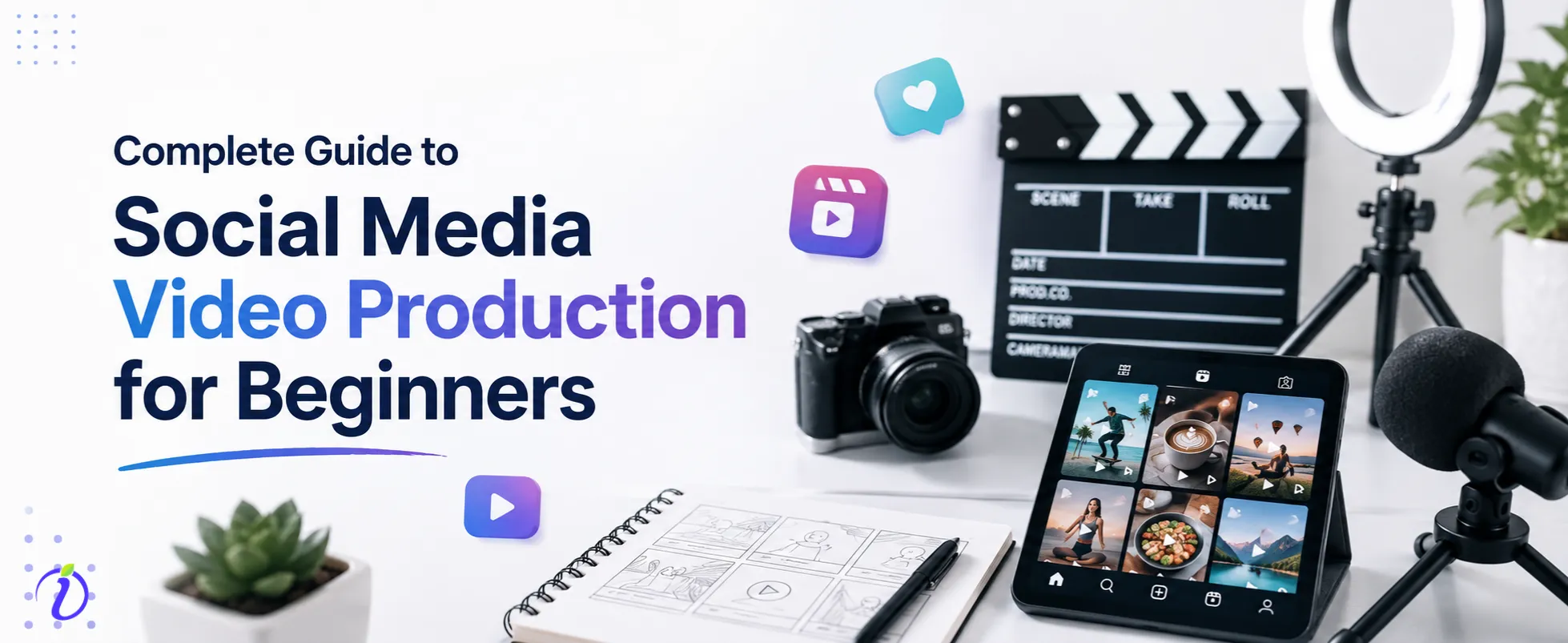
What is social media video production? Can anyone with zero experience start from scratch and make it big in social media? Video content is one of the most powerful ways to connect with your audience. As per studies, 93% of brands use video marketing to grow their businesses.
Social media platforms, like YouTube, Instagram, and Facebook, are driven by video content and inspire millions of people every day. Whatever your current status is now, if you are determined to create engaging content and follow an exclusive path in the digital world, then creative video production can unfold new opportunities. Are you worried about how expensive the equipment is? Let us assure you, you don’t need much. What you need is your unfluctuating consistent effort and strategy to create something better that is already in your hands. In this blog, we will guide you on how to make engaging social media video production.
 Time killer · Pain
Spending 6 hours writing posts that get zero traction?
Paste your URL. ZuAI turns it into 30 brand-on captions in 10 minutes — no blank-page panic, no generic AI filler.
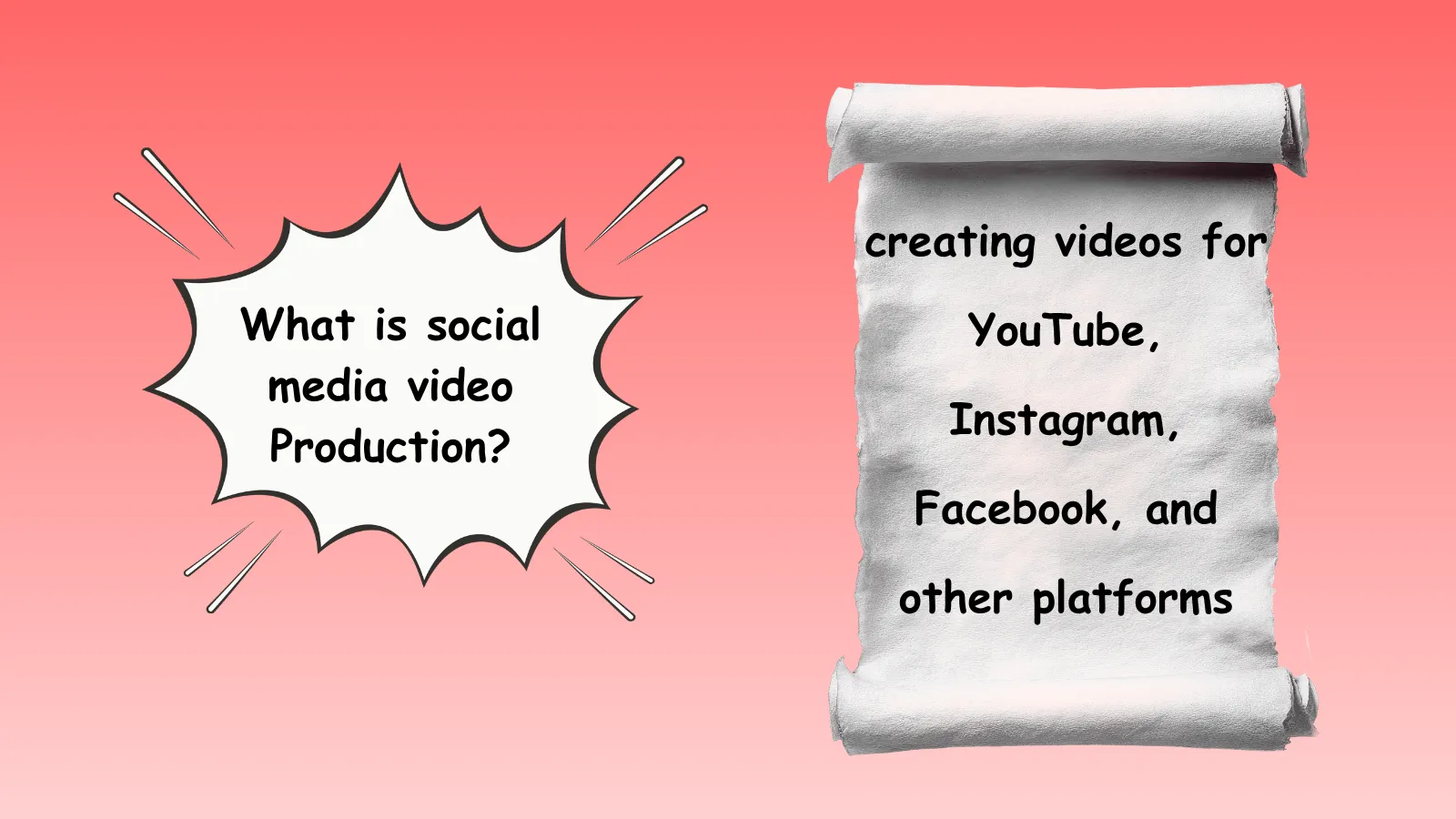
What is social media video production?
Social media video production means creating videos for different social media platforms like YouTube, Instagram, Facebook, and other platforms.
Outcome · RecommendedGet 30 days of social content from your website — in 10 minutes.
How to create social media posts
To create social media posts, you will need to develop a clear strategy and follow it throughout the social media production process.
In this process, there are several steps that include scripting, planning, shooting or recording, editing, and finally sharing on the different social media platforms.
Planning
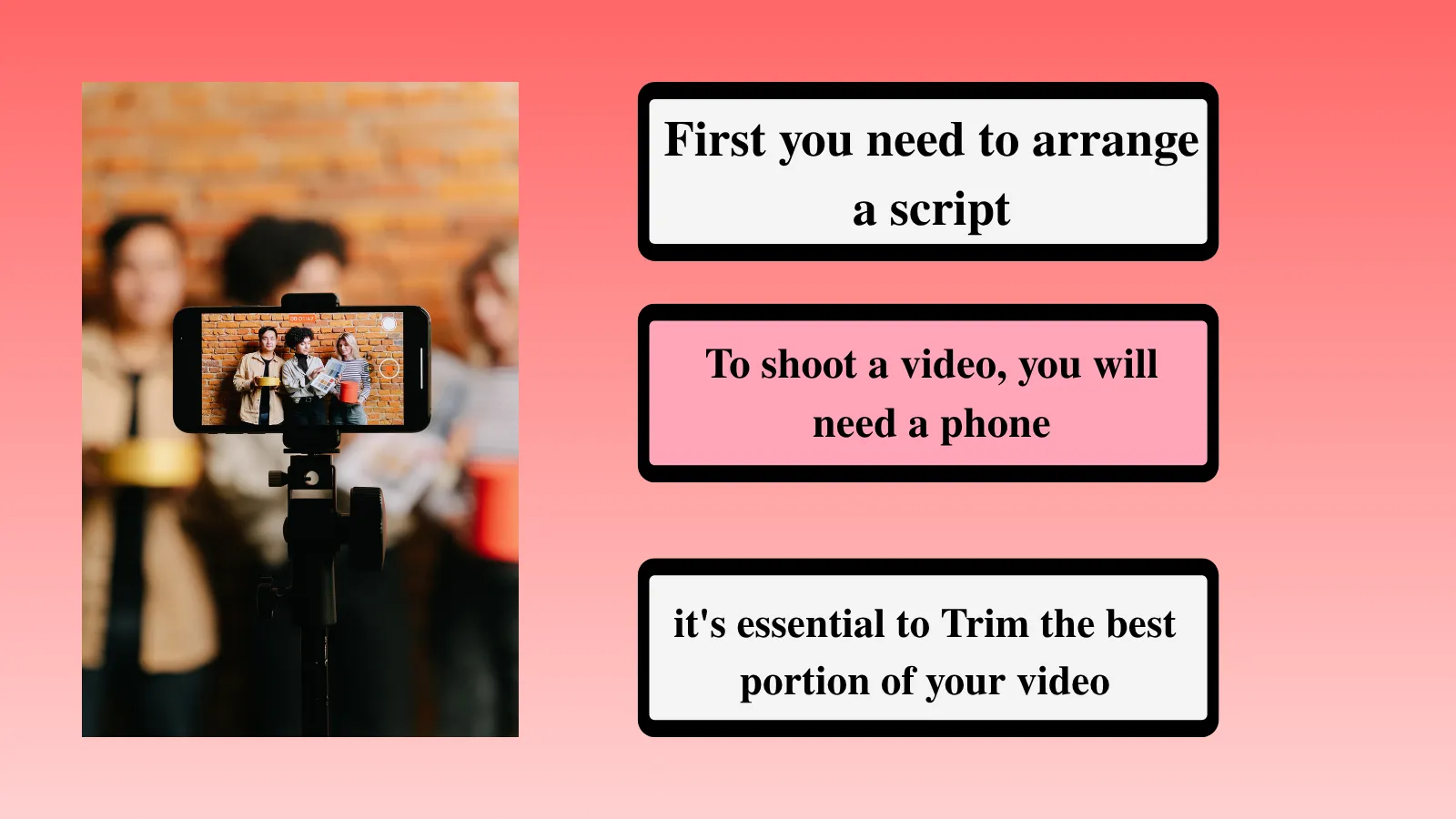
If you want to create excellent content, the first thing you need is a well-developed script. This script gives your content a clear structure and helps you plan each scene effectively. An AI storyboard generator can help you visualize your script and organize the sequence of scenes before production.
Shooting or recording
To shoot a video, you will need a phone, or if you have a camera, you can record with that as well. But for beginners, your phone camera will be more than sufficient. If you are shooting outside, there is enough natural light during the daytime, but if you are shooting indoors, you will need a proper lighting setup.
Editing
To create engaging content, it’s essential to select and refine the best portions of your video, adding music, text, and effects to make it more entertaining , informative, and engaging for your audience.
Sharing
It’s the final step of your social media video content creation, where you have to upload your content with relevant captions, effective hashtags, and engaging thumbnails.
Proof · Verified
2k+ grew faster with one tool.
Why is video more engaging on social media?
Video is more engaging on social media because,it combines multiple elements that capture user attention effectively.
Grab Attention
A video is a combination of motion, sound, and visuals. These elements work together better than a single static image or text. Video also helps to establish stronger engagement between the content and the audience.
Storytelling Process
With video, you can better execute your ideas, demonstrate products, give tutorials, and tell stories in a more engaging and expressive way.
Higher emotional impact
Videos are able to connect with the human brain in a more effective way. When you are use multiple senses to understand content, you are likely to remember it more than a simple image. It connects with your brain on a deeper level.
Favored by Algorithm
Social media platforms like YouTube, Instagram, and Facebook give importance to video content rather than static images. So, when you upload high-quality video content, especially short videos, the platform’s algorithm supports this type of content.
Free · Instant · No signupSee what ZuAI generates from your website — right now.
Paste your URL. Watch ZuAI write a month of brand-on captions in seconds. Preview before you create an account.
Why is choosing the right platform to post video content essential?
Different platforms have different types of audiences, and their choice of content varies. It often shows that some content works better on Instagram, while some performs better on YouTube. For beginners, it is important to understand which type of content is suitable for each platform.
Reaching the right audience
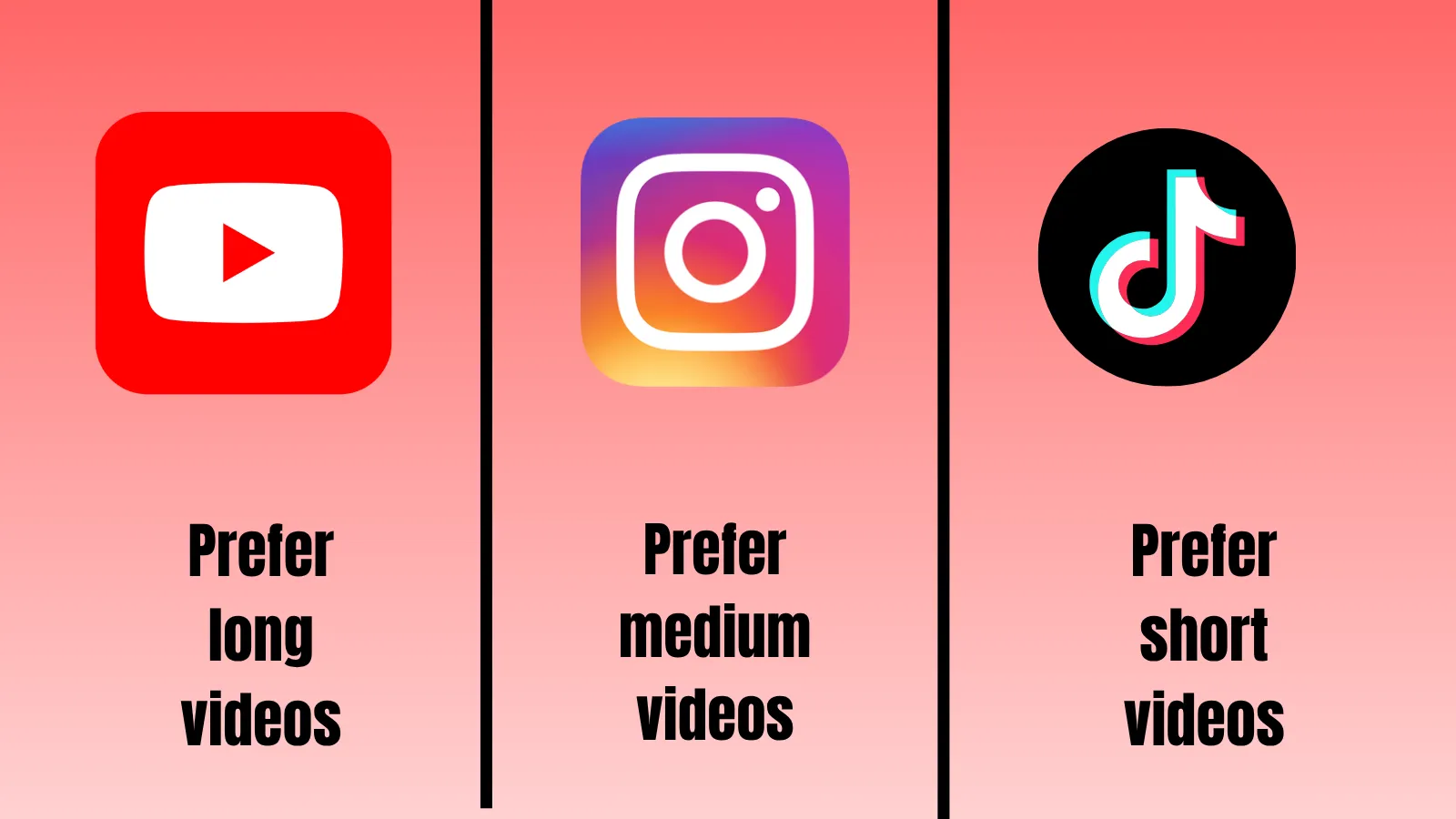
Different platforms prefer different audiences. For example
- Instagramprefers short-form videos; generally, younger audience use this platform.
- YouTube prefers long-form videos, educational Content, tutorials, and courses, and search-based Content. They have a different audience.
- LinkedInprefers professional and career-based posts and videos.
Creating better Content
When you know the basic details of a platform, including its advantages and disadvantages, you can create better quality content to grab more attention. If people truly find interest in your current posts, they are definite to support your future posts.
Algorithm Advantage
Each platform’s algorithm works differently. If you upload the right type of video on the right platform at the right time, the algorithm helps you grow by boosting your content. So, it’s very important to create content according to the platform.
Content format
Different platforms support different content formats; For example, YouTube supports horizontal videos, while Instagram, Facebook, and TikTok prefer vertical videos. Long videos are preferred on week days on YouTube and YouTube Shorts are preferred on weekends. Thus adding content on best times will bring more engagement.
Fulfill your goal
It is important to understand your audience and their preferences. Based on the analytics and higher engagement rate, you can create your video post. Brand awareness videos are highly suitable for Instagram and Facebook platforms. If you are into educational videos, prefer YouTube.
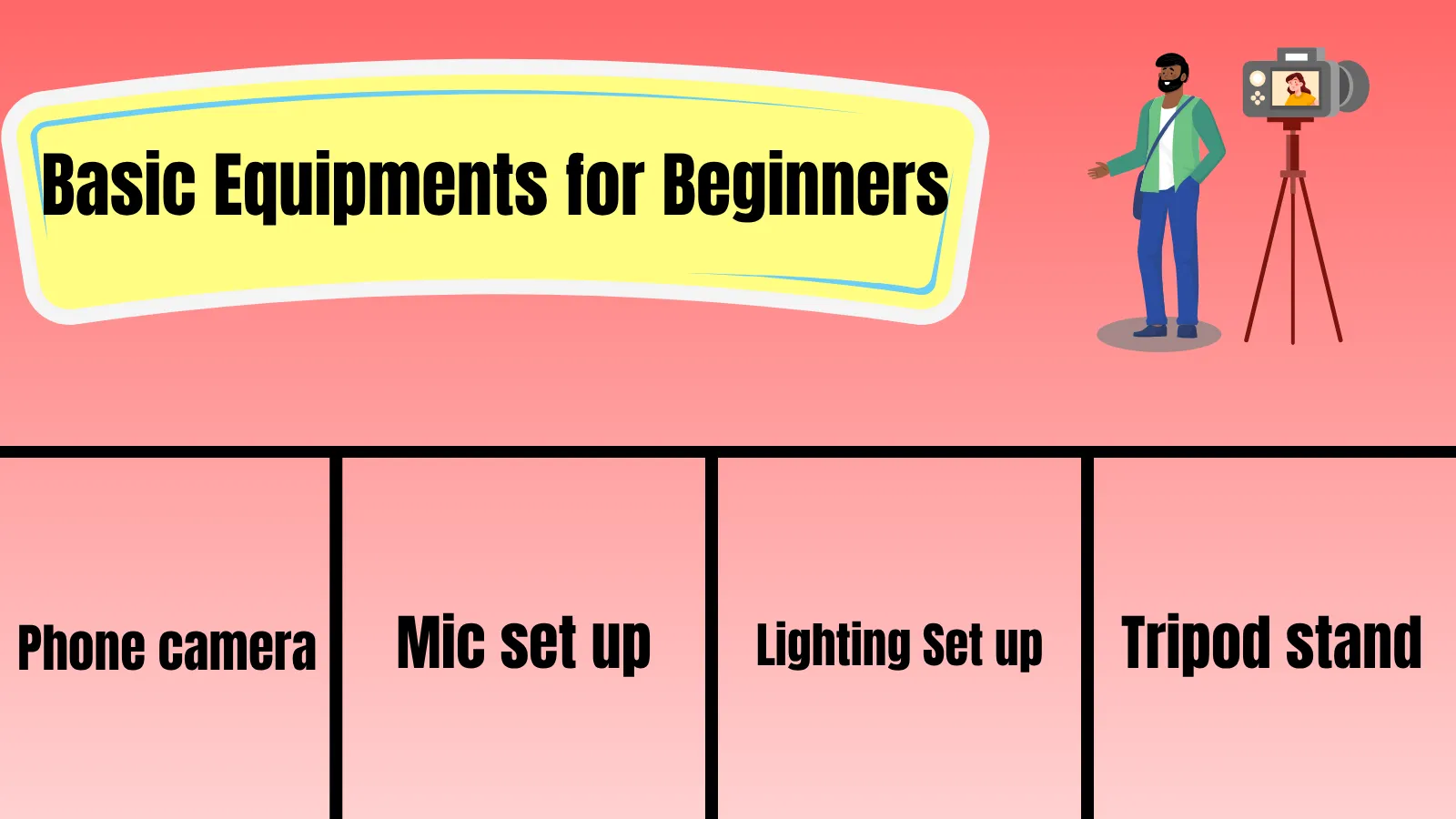
Basic Equipment for Beginners
- Camera setting basics
You don’t need a DSLR or an expensive equipment to begin with.Start with your smartphone camera. Create and edit content for Reels, videos, and Shorts, with your phone in your initial days. Most smart phones have excellent camera and audio quality suitable for social media platforms.
- Audio quality
In the early days, more than the camera, you need to focus on the audio quality of your content. The built-in mic of your phone is not very effective, so we recommend using an external mic for better audio quality.
- Lighting arrangement
Lighting is very important for your shooting. If you are doing an outdoor shoot in broad daylight, then you don’t need external lighting. However, if you are shooting indoors, you need a proper lighting arrangement. A beginner ring light is a good option. Start small and once your videos become popular,choose better equipment.
- Tripod stand
When you are shooting your Content, you must have a Tripod. A shaky video is not considered high-quality content, so to maintain stability, you will need a tripod stand.
Speed · 10-minute setupOne coffee from URL to a full month of scheduled posts.
Drop your URL, brew your coffee, come back to 30 brand-on captions ready to publish.
Social Media Video Production Tips and Tricks
Video Shooting tips for beginners
Here are some highly professional tips to craft the best content:
- Keep your camera stable, and fix it with your tripod stand. Avoid handheld shooting.
- Focus on yourself, and leave some space above your head.
- Use an external mic to avoid background noise and ensure clear audio.
- During shooting, don’t forget the right format of the video. For Reels and Shortsuse vertical Format, and for long-term videos, use horizontal format.
- Create eye contact with the viewers, look at the camera lens.
- Keep your videos short and precise.
- Shoot each frame with multiple takes and different angles.
Video Editing Tips for Beginners
Editing is the next and most important step to create engaging and premium content. Here are a few editing tips for beginners.
- First, organize your video. Start the video with a hook and swiftly transform to the core content and end the video with a call-to-action.
- Refine the raw video.
- Use a simple transition style.
- You may use background music.
- Add text and captions to the video, if needed.
- Maintain your style to grow as a brand.
Optimizing video for each platform
It’s important to optimize video for each platform, as it helps boost your content naturally
- Short videos are best for Instagram reels, YouTube Shorts, and TikTok .
- Long videos are best for YouTube.
- Relatable or shareable videos are best for Facebook.
- Use the right format and aspect ratio.
Different Platforms | Right Format | Aspect Ratio |
YouTube Shorts | vertical | 9:16 |
YouTube Video | horizontal | 16:9 |
Instagram Reels | vertical | 9:16 |
Instagram feed video | vertical | 1:1 or 4:5 |
Facebook Reels | vertical | 9:16 |
Facebook Feed Video | vertical/ horizontal | 1:1 or 4:5 |
TikTok Short video | vertical | 9:16 |
Video posting times
Different Platforms | Video posting times |
YouTube | 6 PM-9 PM |
1PM-3PM | |
Instagram post | 6PM-8PM |
Twitter(x) | 8AM-10AM |
TikTok | 6AM-10AM |
Blank tab. Six open browsers. No clue what to post.


 After · With Indzu
Paste one URL. Get 30 scheduled posts.
Common mistakes beginners should avoid
If you are trying to create high-quality and engaging content, then please don’t overlook these points:
- Ignoring the right lighting setup.
- Ignoring proper audio quality.
- Do not use handheld; shaky videos are not ideal for creating quality content.
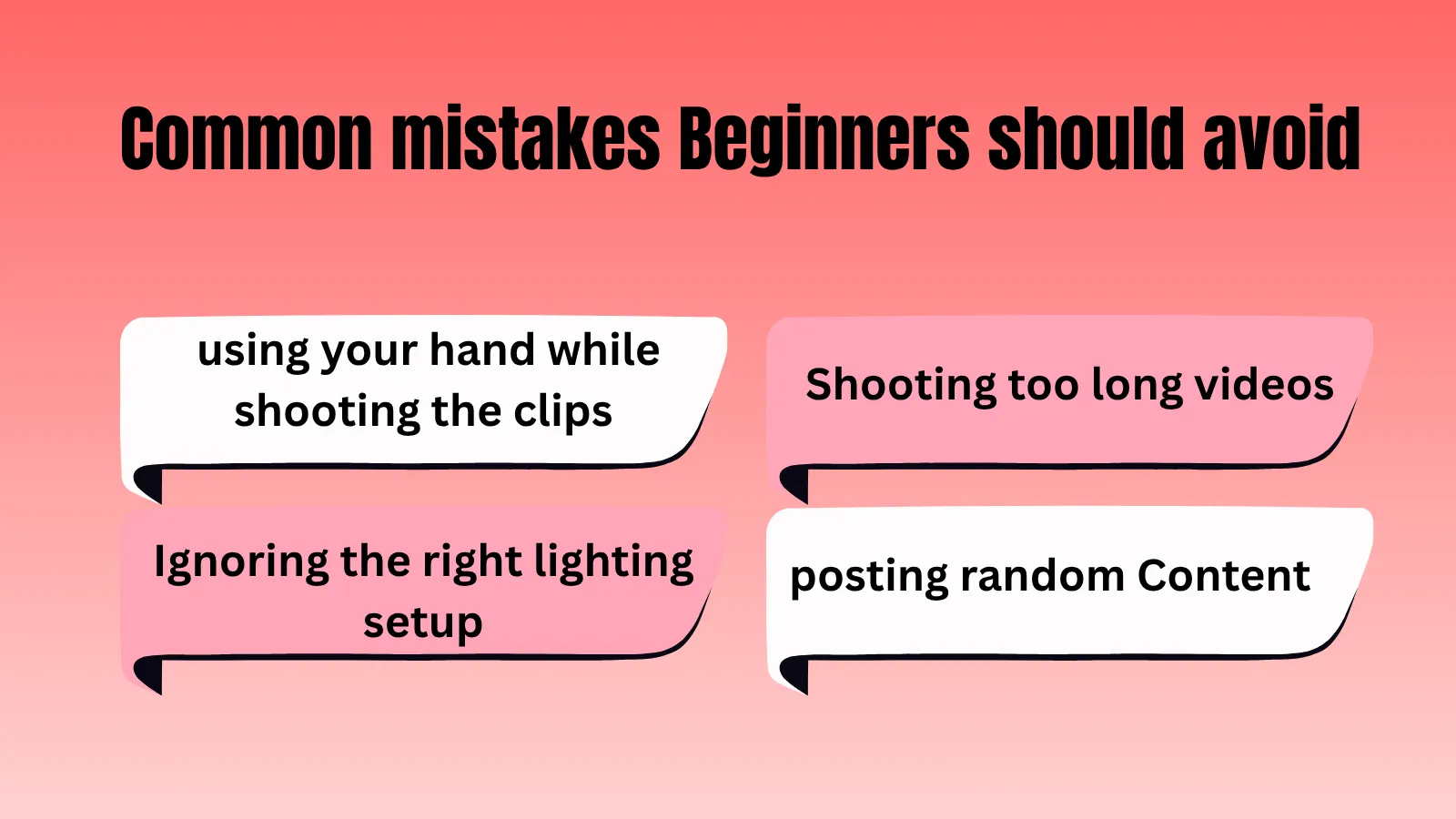
- Don’t post random content.
- If the first 5 seconds of your video are boring, people will scroll away, so using a strong hook is very important.
- In the initial stage, don’t create very long videos, as people often lose interest.
- Posting the same videos without repurposing can affect their performance.
Time killer · Pain
Spending 6 hours writing posts that get zero traction?
Paste your URL. ZuAI turns it into 30 brand-on captions in 10 minutes — no blank-page panic, no generic AI filler.
FAQ Section
1. What is the best platform to start posting videos?
Answer: For short-term videos, TikTok and Instagram are recommended. And for long-term videos, YouTube is a better choice.
2. What should be the ideal time span for short videos?
Answer: The ideal time span for short videos to gain more engagement is 10-60 seconds.
3. What should be the ideal time span for long videos?
Answer: The ideal time span for long videos varies on each platform. For example, on YouTube, 8-10 minutes is best for beginners. and on Facebook, 3-10 minute videos are more impactful.
4. How often should I post videos?
Answer: For YouTube long videos, 1-2 times per week, and for YouTube shorts, 3-5 times per week works best.
For Instagram reels, 4-7 times a week. You can add stories daily.
For Facebook, 3-5 videos per week is great for informative content.