
Are you wondering how to see deleted YouTube videos archive? In today’s digital landscape, YouTube is one of the most powerful platforms for sharing knowledge, entertainment, and creativity. In 2026, when over 20 million videos were uploaded to YouTube per day, many of them disappeared due to copyright issues, policy violations, or creators deleting their own content.
Has it ever happened to you that you are trying to find previously watched content, only to find it’s no longer available? Hopefully, there are several ways to access archived versions of deleted YouTube videos using cached data, web archives and Third-party tools. Let us explore them in detail-
Can you actually see deleted YouTube videos?
You can sometimes see deleted videos, but not the full video unless someone saves it or you have a backup. When a video is deleted from YouTube, that means the file is removed, and you can find it in the trash. But there is a higher chance of recovering some part of the specific YouTube videos. You can recover-
- Title, description and metadata with the help of Third-party tools
- If another user reuploaded your content, you can re-download it from their profile
Why is it hard to find a deleted YouTube video?
- It is very rare to find a full video.
- A Copyright-removed video is hard to get.
- And if a video gets deleted very quickly without getting the time to be archived.
What happens when a YouTube video is deleted?
If you want to recover a deleted YouTube video, please keep in mind that there is no reliable or ethical way to do so, though you may sometimes recover part of it. But generally, when a YouTube video is deleted without being archived-
The video disappears completely.
Normally, if a video gets deleted, it completely disappears from the content list; you can’t open it with the old link. And if someone searches for it with the same title and keywords, they won’t be able to find it in search results or playlists.
The link stops working.
The old link can’t even help you reach the deleted video. If a viewer clicks on the link, they will get to see a message like “This Video is unavailable”.
All engagement data removed.
If a video is deleted, then all engagement data is permanently removed. There is no way to restore it anymore.
Lower chance to restore it
Once a video is deleted, YouTube doesn’t provide a recovery option. Well, you can use other methods, such as Google Cache or Third-party tools. Well, these are not a fully reliable or ethical way.
How to see deleted YouTube videos archive
Finding deleted videos is quite challenging; it is not always even possible. But there are some smart ideas to recover them using archive data. But please remember that there is no guarantee you can fully recover deleted videos.
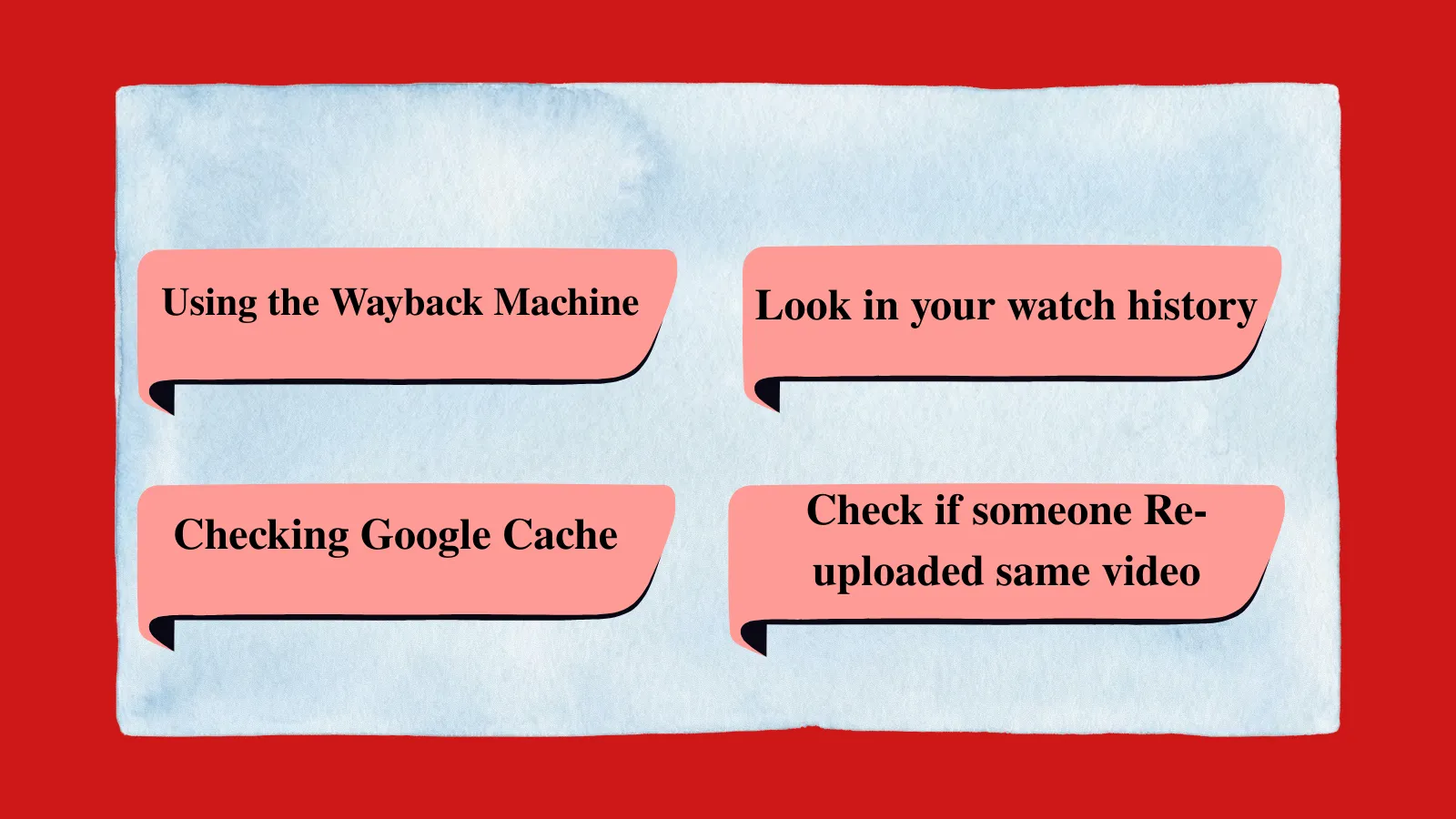
Using the Wayback Machine
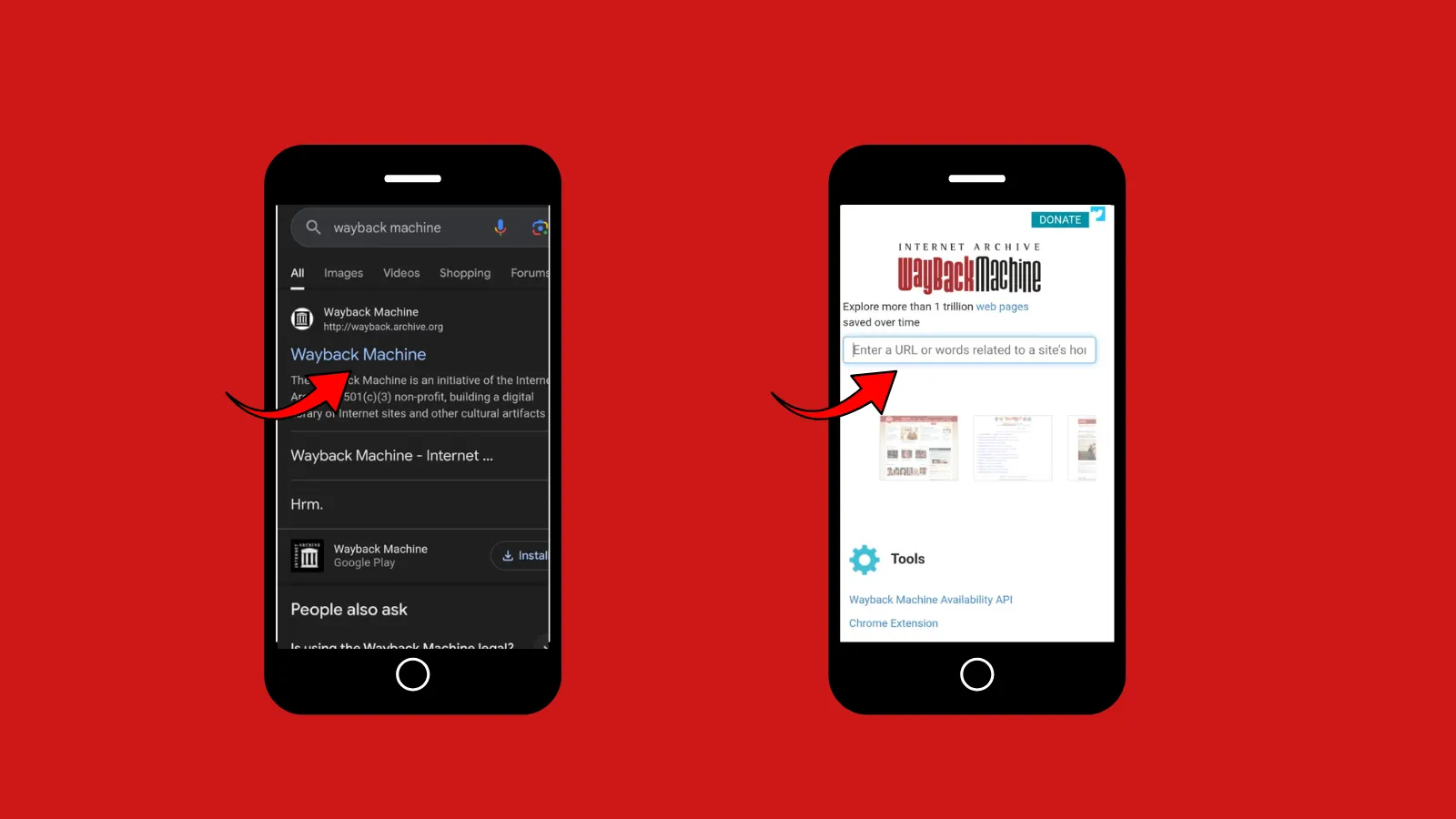
It is the most ideal method so far, go to the Wayback Machine website> Paste the deleted video’s URL > Check if snapshots were saved before deletion > If the video is archived, you may be able to find the thumbnail, title and description > And may be able to see the deleted video.
First, go to Google and search for the deleted video URL. Click the three dots next to the search result > Here, you may find the Title, Description, or channel name.
Points to remember: Since Caches are quickly cleared after deletion, there is a lower chance of getting the full video.
Look in your watch history
If you have watched the video in the past, then first go to YouTube> history section> Deleted video, where you may find a “Deleted video” > You don’t get the whole content. Still, you may sometimes get the thumbnail, title, or channel name.
Check Social Media & Forum
Viewers often share videos on Reddit, Twitter, and in Facebook Groups. If you can’t recover the full video from there, you can still get clips, screenshots, and alternative links.
Check if someone re-uploaded the same video
If someone re-uploaded the same video, then you can save it from them.
How to find deleted YouTube video information without a URL
As we mentioned previously, recovering a deleted YouTube video is quite challenging, but you can still gather some information from it. But to find YouTube video information without a URL is quite hard. You have to sum up all the clues from memory and other sources, if available, and then search for the video. Here you may try it by following these steps.
Start with what you remember
If you can remember any part of the video, such as the title, channel name, topic, or the nearest upload time, there is a higher chance of recovering part of it.
Go to Google and search for it. You may quote the exact phrase, for example, “summer skincare” and add words like YouTube, video or channel name.
Use Web Archives
If you don’t have the URL, you can still search for it with “video title + site:youtube.com”, or you may try “video topic + “uploaded by”. This way, if the deleted YouTube video is in the archive, you can still access some part of it on the internet.
Search discussion and Forums
When you are trying to find a deleted YouTube video without a URL, you can use platforms where people discuss videos, such as Reddit and Twitter. It is said that viewers often discuss or even summarize deleted videos there.
Try advanced search tricks
Look for Reuploads on other Platforms
You may recover the entire video if someone reuploads it to other platforms or channels. You can search for it by using the “keywords+ reuploaded”. If someone has reuploaded the deleted video, you will surely be able to get it and download it.

How to watch a deleted video online
Actually, there is no way to watch a deleted YouTube video, since it has been removed; there is no way to access the original file. But if the video is archived, reuploaded, and the creator has posted it on another platform, you can recover it, if not fully, at least partially.
- Check if it was archived. This method applies if you have the original video’s URL.
- Search for reuploads. As we suggested previously, this is often considered the most successful method for recovering the deleted video.
- Look on other platforms: viewers sometimes share or repost videos on Reddit, Facebook, and Twitter. You may search here using video topic, creator name, and any memorable phrase.
- Check the creator’s social media platforms.You may check if the creator has repurposed the video on other social media platforms.
Common mistakes to avoid
If you are trying hard to watch or recover a deleted YouTube video, there are some common mistakes that you should avoid.
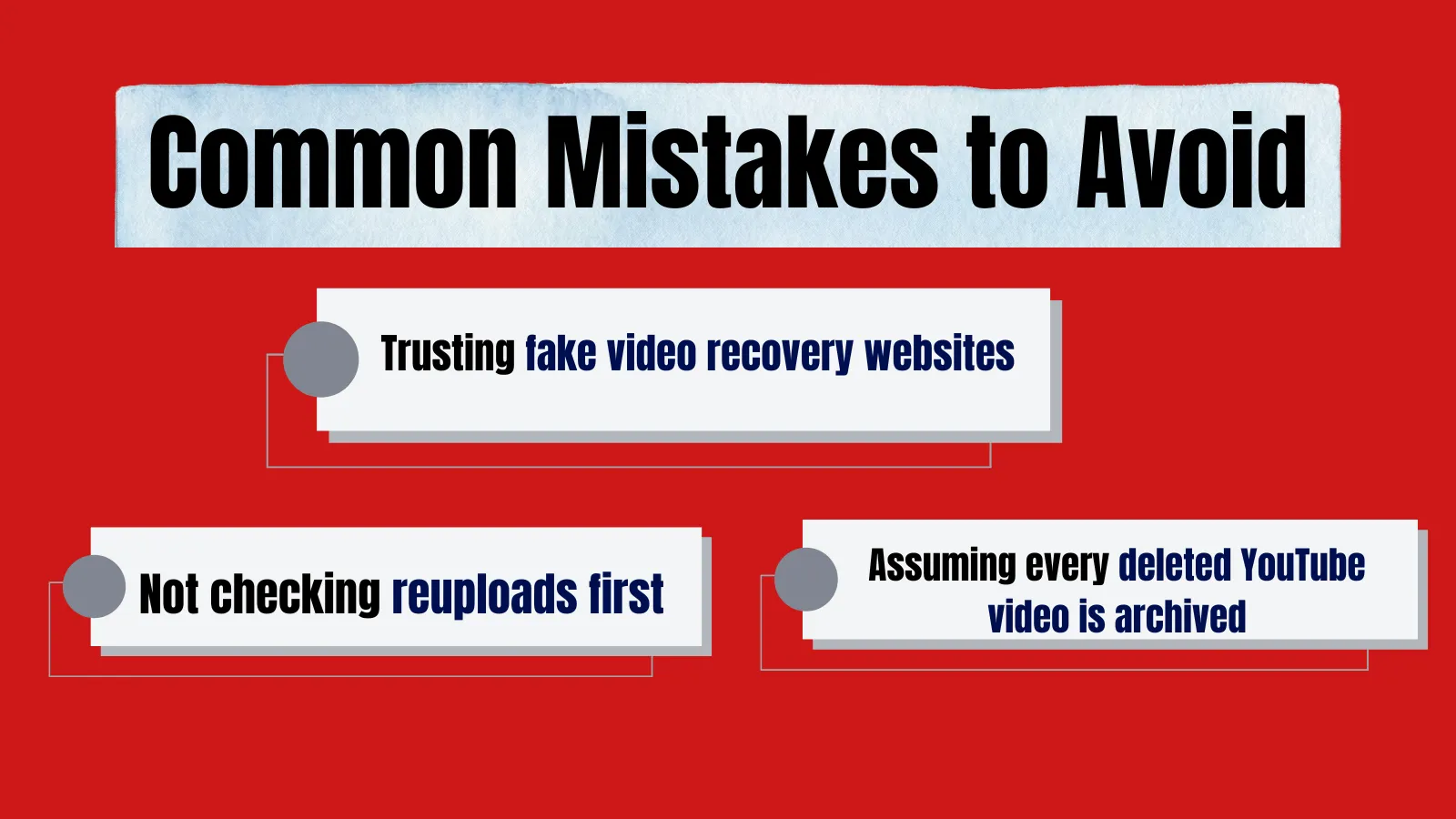
- Expecting full recovery of a deleted video without a URL
- Trusting fake “video recovery” websites. There, you may find some websites that claim “watch any deleted video instantly” or “Recover any YouTube video without original link”. Don’t fall into their trap.
- Not checking reuploads first, the audience often forgets to start with the easiest way. Deleted videos often get reuploaded by others. If you miss this simple step, then it’s your loss.
- Assuming every deleted YouTube video is archived. Remember, not all videos uploaded online are saved online.
- Some videos were removed due to copyright and policy violations, and anyone who attempts to access restricted content may face serious consequences.
Legal and ethical norms
When you are trying to find a deleted video, it is essential to respect the legal and ethical norms.
Copyright issue
Most videos are protected under copyright law. If a video got removed due to copyright claims, reuploading without permission is considered illegal.
Respect privacy and consent
If a creator wants to delete a video because it contains personal or sensitive content, one should respect their decision.
Don’t bypass platform protection.
Please avoid Third-party tools or websites to unlock restricted or private videos.
Tips to prevent losing important videos
Here are some genuine tips to protect your original videos.
- Keep the original file on external storage.
It is necessary to keep the video stored on external storage. It is the safer way to protect your contents.
- Use cloud backups
Upload your content to trusted cloud services like Google Drive and Dropbox. It will protect your content if your device is damaged or gets lost.
- Enable auto-backup and sync.
It would be helpful if you could turn on auto-syncing so your files are updated in real time.
- Follow Platform policies
In many cases, a video is removed for policy violations, so a creator needs to check YouTube’s guidelines to ensure they comply with the platform’s policies.
Conclusion
In the end, we may say that recovering deleted YouTube videos is often stressful. It is more likely to yield an unsatisfactory result, especially without a URL. So, in our recommendation, a smarter approach is to keep backups, use reliable storage solutions, and follow YouTube’s guidelines; this is a much safer option.
FAQ Section
Q1. Can I see a deleted YouTube video?
Answer: You can never see a deleted video directly. Once a video is deleted, it’s no longer accessible to the public. But if someone reuploaded the video or the video was archived earlier, you will be able to see it. And the Wayback Machine lets you view a deleted YouTube video using the correct URL.
Q2. Why do YouTube videos get deleted?
Answer: The common reason a YouTube video gets deleted is that,
- Violation of platform policies
- If the creator removes the video for personal reasons
- Copyright claims
Q3. How to see deleted YouTube videos archive?
Answer: To find a deleted video, if you have the URL, then you may try it in the Wayback Machine. And if you don’t have the URL with the proper title and keywords, search on Google or YouTube, look for reuploads. You may also try to find on other Social media platforms where there is a chance it will be shared or discussed.